100
What causes a ceiling fan to wobble and how can you balance it safely?
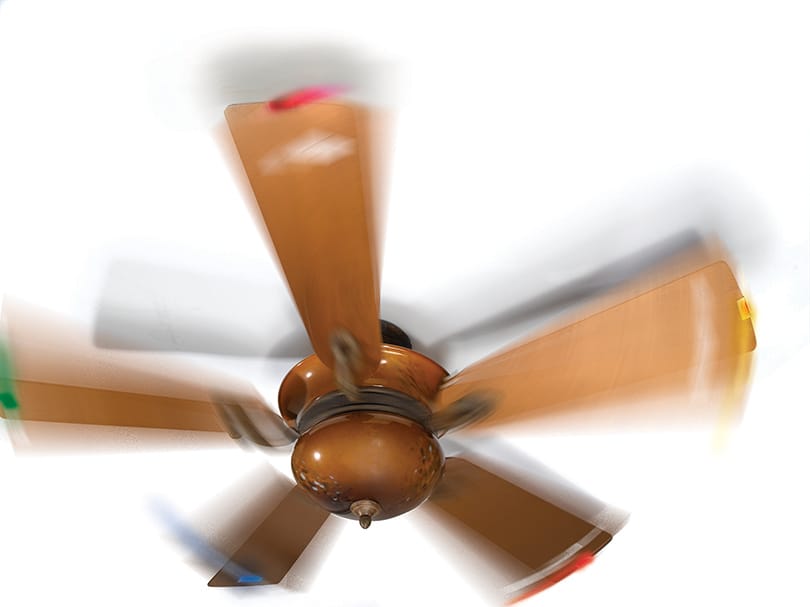
A wobbling ceiling fan is often caused by uneven dust buildup, loose screws, bent blade brackets, or warped blades[1][2]. Before starting, turn off the fan and ensure there is at least 30 inches of clearance from the blades[1]. First, clean the blades thoroughly and tighten all hardware on the mounting plate, downrod, and blade brackets[1][2]. If the wobble persists, use a balancing kit to identify the problematic blade and add adhesive weights until the motion stabilizes[1]. If these steps fail or the motor shows signs of wear, it is time to consult a professional or replace the unit[1].
Save this answer
Create your account to keep this answer and continue from it later.
Sorry, Pandi could not find an answer.
Let's look at alternatives:
- Modify the query.
- Start a new thread.
- Remove sources (if manually added).
Related Content From The Pandipedia
How do you stop a bathroom exhaust fan from being loud and still remove moistureHow can you fix a wobbly chair or table in under 10 minutes without buying newWhat should you do when your garbage disposal hums but will not spin?What is the function of mitochondria in cells?How do you re-caulk a bathtub or kitchen sink to stop small leaks and preventHow do you fix a door that will not latch or rubs the frame without replacingHow can you troubleshoot low water pressure in one faucet or shower withoutHow do you make history dramatic without making it fake?What should you do if your laptop is overheating and slowing down, and how canFix squeaky doors in 10 minutesHow do you reset and test a GFCI outlet, and when is it a sign you should callTurn NIST AI RMF into an operating rhythm, not a binder4 multimeter checks for a dead outlet