95
What should you do if your laptop is overheating and slowing down, and how can
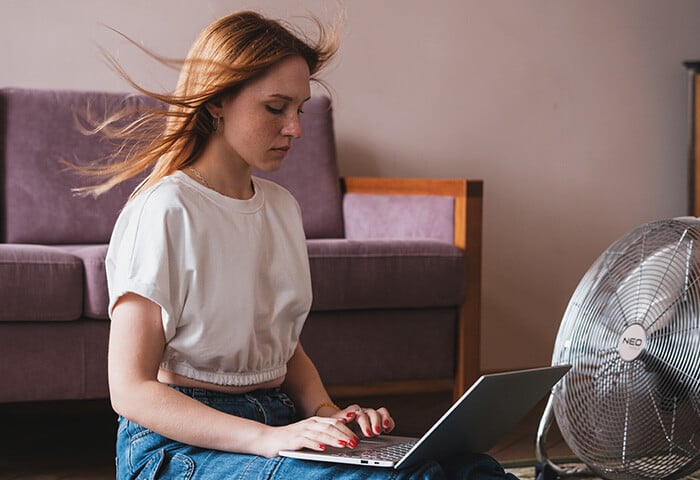
If your laptop is overheating and slowing down, start by ensuring it rests on a hard, flat surface to keep vents unobstructed[3][6]. You can improve performance by closing resource-heavy applications via Task Manager and disabling unnecessary startup programs[6]. A simple restart also clears system memory and stops errant background services[1].
For physical maintenance, use compressed air to gently clear dust from vents and fans[3][6]. If issues persist, internal components like decaying thermal paste or failing fans may require professional repair[3][6].
Save this answer
Create your account to keep this answer and continue from it later.
Sorry, Pandi could not find an answer.
Let's look at alternatives:
- Modify the query.
- Start a new thread.
- Remove sources (if manually added).
Related Content From The Pandipedia
How do you stop a bathroom exhaust fan from being loud and still remove moistureWhat causes a ceiling fan to wobble and how can you balance it safely?Who experienced the largest Instagram benefits?Why your dryer takes two cyclesSimple fridge maintenance that cuts energy wasteWhat are the best yoga mats in 2024?What should you do when your garbage disposal hums but will not spin?Why lithium-ion batteries run awayThe Impact of Political Humor on Public OpinionStop drafts before they drain your heating bill