Pandipedia entry
LH
Free up space, carefully

1/4
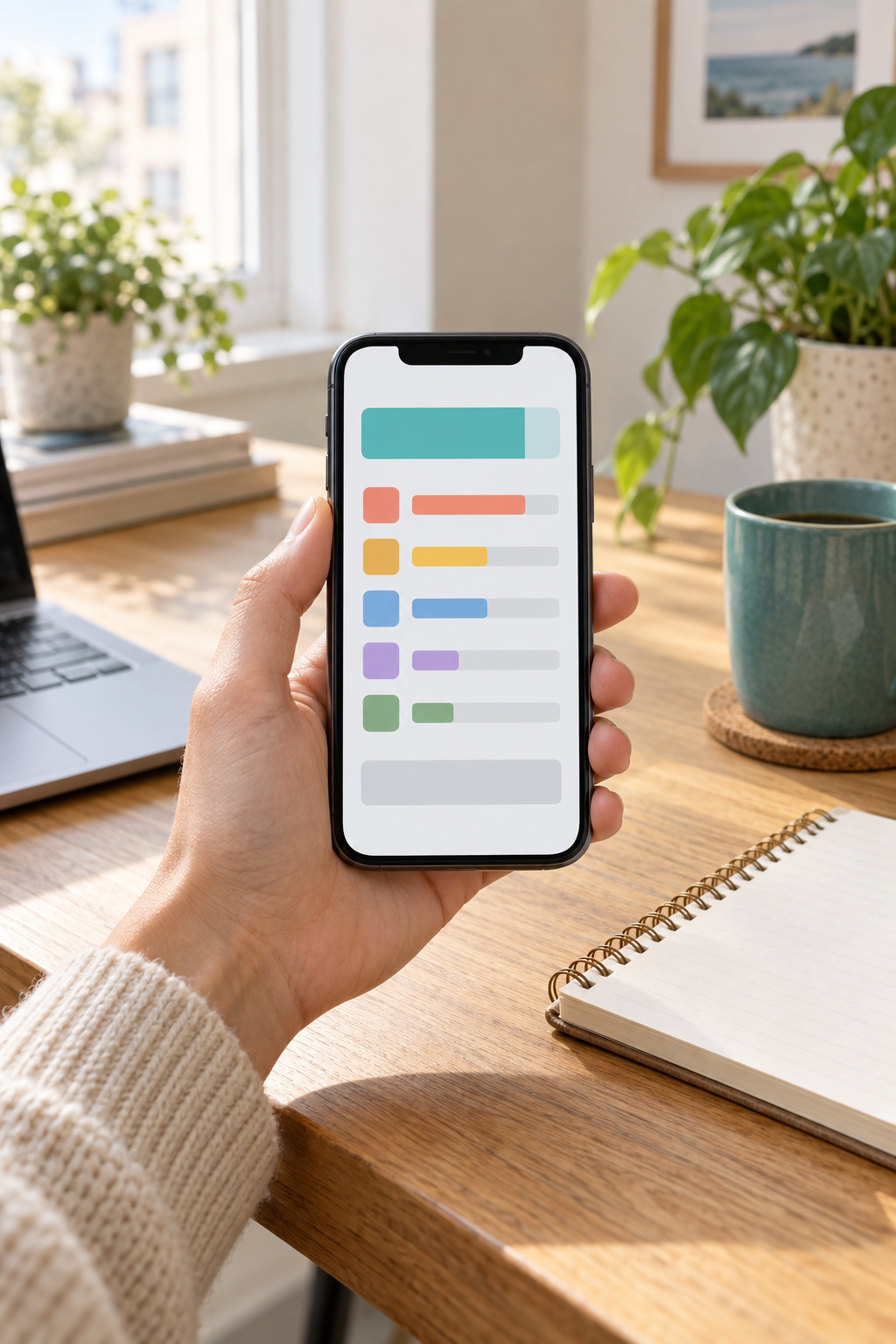
Need space, but worried about deleting the wrong thing? Start with the storage breakdown, not the delete button. š±
Try Settings > Storage, then tap a category. Menus vary by device.

2/4
Review cleanup suggestions before removing anything; untick files you want to keep. š
Remove downloaded content through the app it came from.

3/4
Clear cache removes temporary files; an app may open slower next time. š§¹
Clear storage/data deletes app data and can reset the app.

4/4
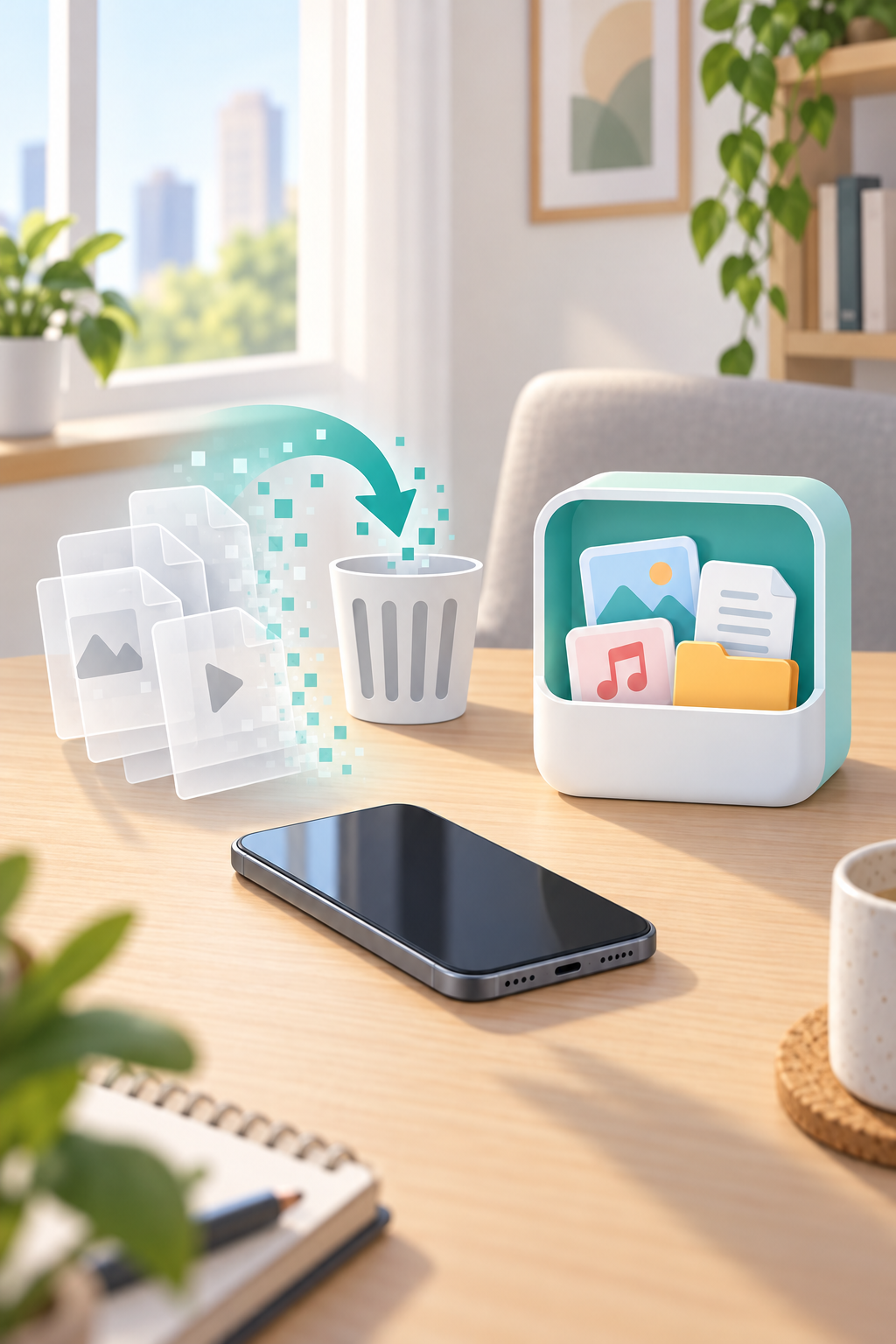
Before deleting an original, verify its backup is complete or copy it to a computer. ā
Rule: no verified copy, donāt delete.
A careful Android storage reset: inspect first, review whatās replaceable, then protect files before deleting local copies. Save this checklist. š±
Sorry, Pandi could not find an answer.
Let's look at alternatives:
- Modify the query.
- Start a new thread.
- Remove sources (if manually added).
Continue exploring
Explore related topics
A Low-Friction Subscription AuditMonth-Long Digital Declutter Challenge: A Four-Week Roadmap for Reducing Non-Essential Screen UseWhich smartphone settings instantly lower distraction?How do lightning bugs produce light?How did the Eleventh Circuit treat Google hash matching as a private search?. Summarize the Brillhart opinion by separating the private-search holding, the technical evidence on hash values, the double-jeopardy issue, and the sentencing enhancement error. Add a verification section showing how CourtListener and RECAP materials can help reporters trace dockets, filings, PDFs, orphan documents, and API-accessible case metadata.Your First Home NAS in 2026: Simple Backup or Expandable Storage?LAUNDRY BEARās Zimbra chain, from phish to exfilRenters insurance: what it covers