Entrée Pandipedia
How can I change the view in Gran Turismo seven?
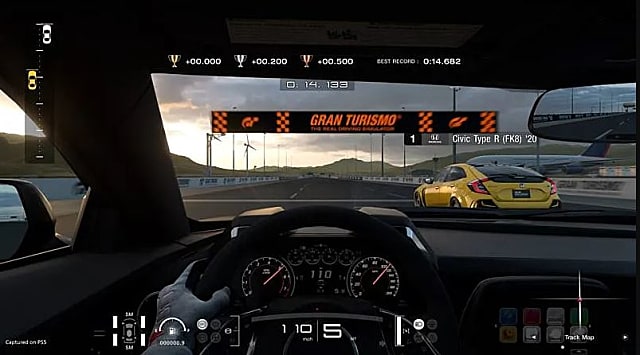
To change the view in Gran Turismo 7, press the R1 button on your PS5 or PS4 controller during a race. This will allow you to cycle through various camera angles, which include a first-person cockpit view, a chase (third-person) view, and a dash-cam view from the car’s hood[1][2][3][5]. If you want to customize these views further, pause the game, go to the 'Settings' menu, and then select 'Display Settings' to adjust the cockpit and chase camera settings, including height, depth, and sensitivity[3][4].
Enregistrez cette réponse
Créez votre compte pour conserver cette réponse et la reprendre plus tard.
Désolé, Pandi n'a pas trouvé de réponse.
Examinons les alternatives :
- Modifier la requête.
- Démarrer une nouvelle conversation.
- Supprimer des sources (si elles ont été ajoutées manuellement).