Entrada de Pandipedia

How do browser extension scams hijack personal data?
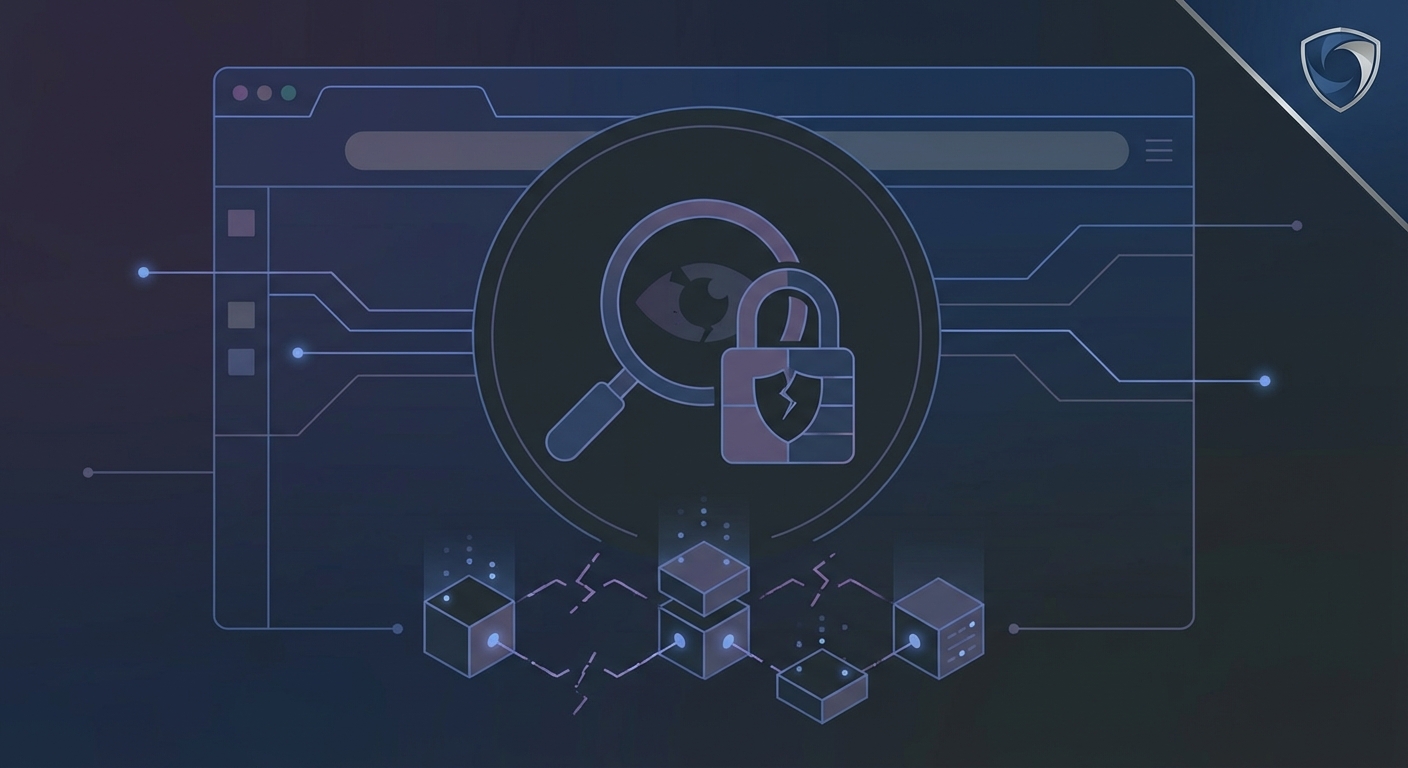
Malicious browser extensions compromise personal data by operating within a privileged context inside the browser session, allowing them to access web pages, network requests, and stored data [1]. Cybercriminals often deploy these threats by acquiring legitimate, widely installed extensions and pushing silent malicious updates [2].
Mechanisms of Data Capture
- Keylogging and Form Grabbing: Malicious extensions record keystrokes and read sensitive inputs directly from login forms before information is transmitted to servers [3].
- Cookie and Session Theft: They extract active session cookies and authentication tokens from browser storage, which allows attackers to bypass multi-factor authentication and access accounts without passwords [4].
- Browsing History Exfiltration: Malicious add-ons monitor visited URLs, search queries, and behavioral profiles, sending this data to remote servers [5].
- Page and Traffic Manipulation: Some extensions inject content scripts into web pages to display fake login interfaces, alter network traffic, or redirect users to phishing sites [6].
Quick Tips for Choosing Safe Add-ons
- Minimize Extensions: Install only essential add-ons to reduce your overall security risk [7].
- Check Permissions: Review requested permissions carefully during installation and avoid add-ons asking for overly broad access, such as reading data on all websites when it is unnecessary for their function [8].
- Verify Developers: Stick to official web stores and research the developer's background, website, and update history before installing [9][10].
- Audit Regularly: Periodically review your installed extensions, remove unused tools, and clear your browser data if you suspect compromise [11][12].
Lo sentimos, Pandi no pudo encontrar una respuesta.
Veamos alternativas:
- Modifica la consulta.
- Inicia un nuevo hilo.
- Eliminar fuentes (si se han agregado manualmente).