Descobreix Pandipedia
Un directori creixent de respostes útils seleccionades per la comunitat de Pandi. Cerca a la col·lecció o explora els darrers descobriments.
2272 entrades disponibles
The earbuds case is becoming an AI computer
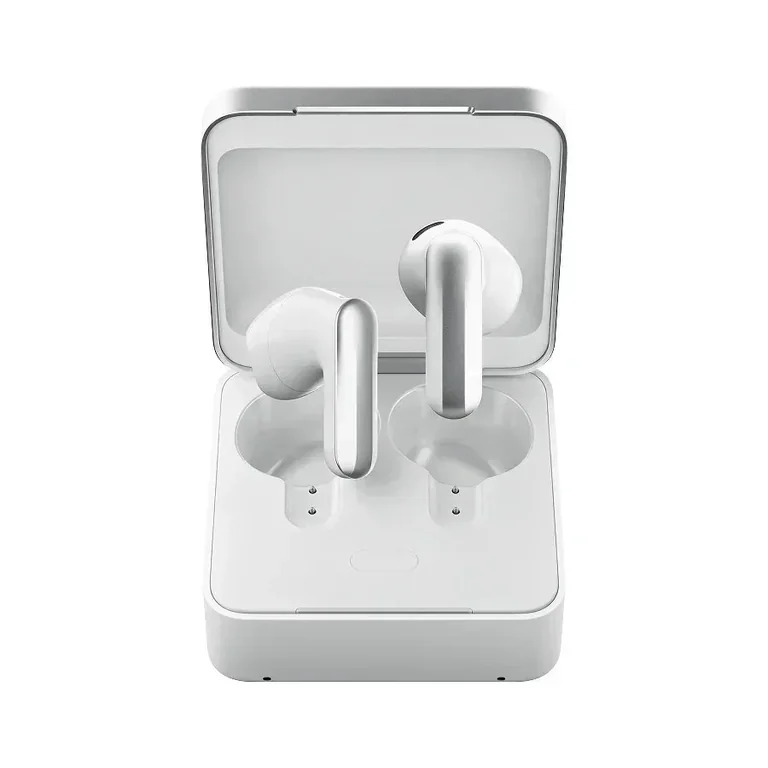
NEWS · Limited Explorer Edition · September 2026
Plaud describes its new One earbuds as part of a wearable assistant, but the charging case carries the more unusual idea: an Agent Button, speaker, room microphones and built-in cellular connectivity. Pressing the button is meant to turn a captured conversation into a request for follow-up work.[1]
Our reading: the case becomes a small place to ask, not just somewhere to charge. That could make a useful action available without opening a phone.
Plaud calls this a Limited Explorer Edition. Its announcement describes capabilities rather than independently tested performance; delivery, regional access and the services included need checking before purchase. The practical question is how reliably captured context becomes something worth reviewing.[2]
Veiem alternatives:
- Modifica la consulta.
- Inicia un nou fil.
- Elimina les fonts (si s'han afegit manualment).
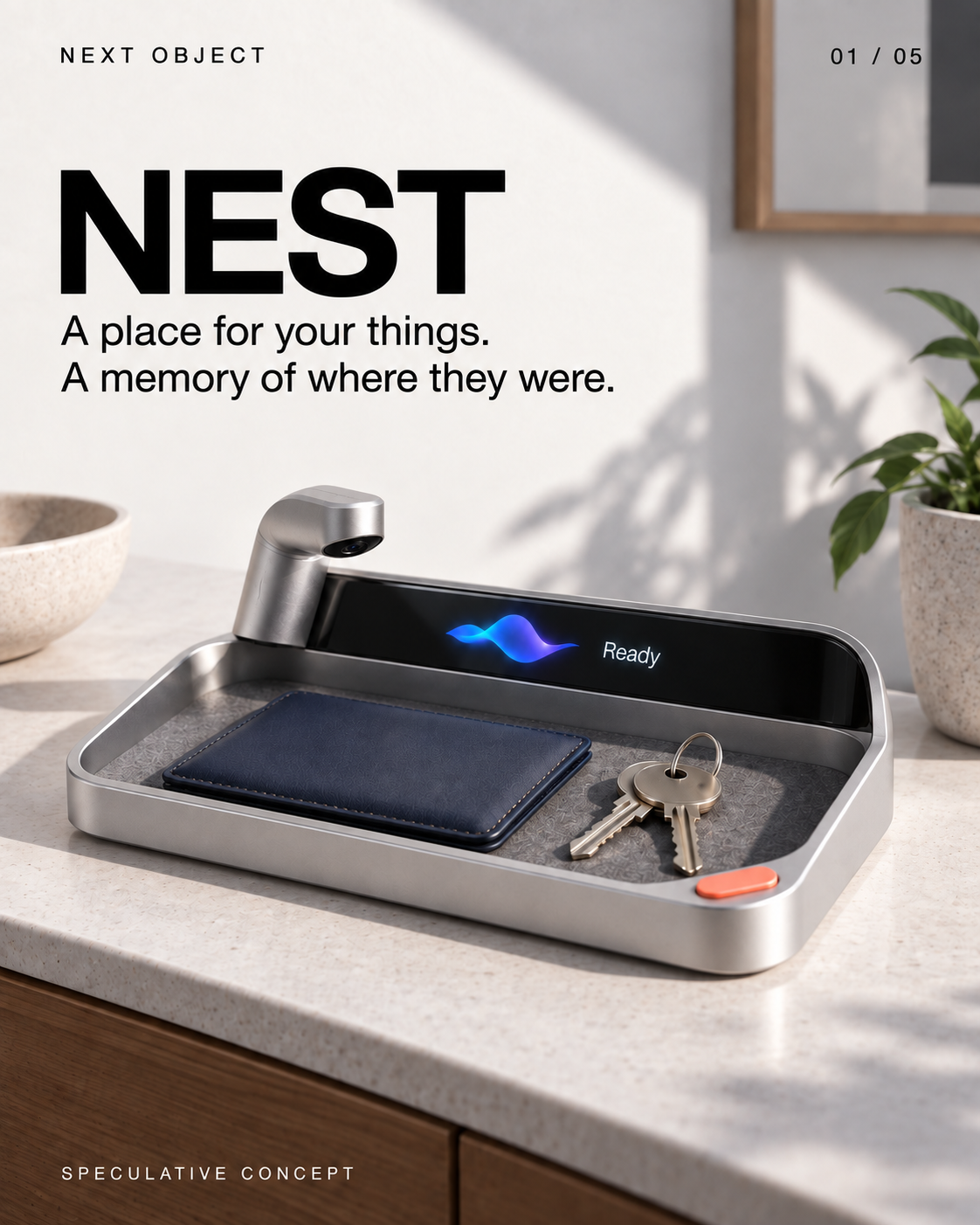
NEST — a landing place that remembers what you left
 1/5
1/5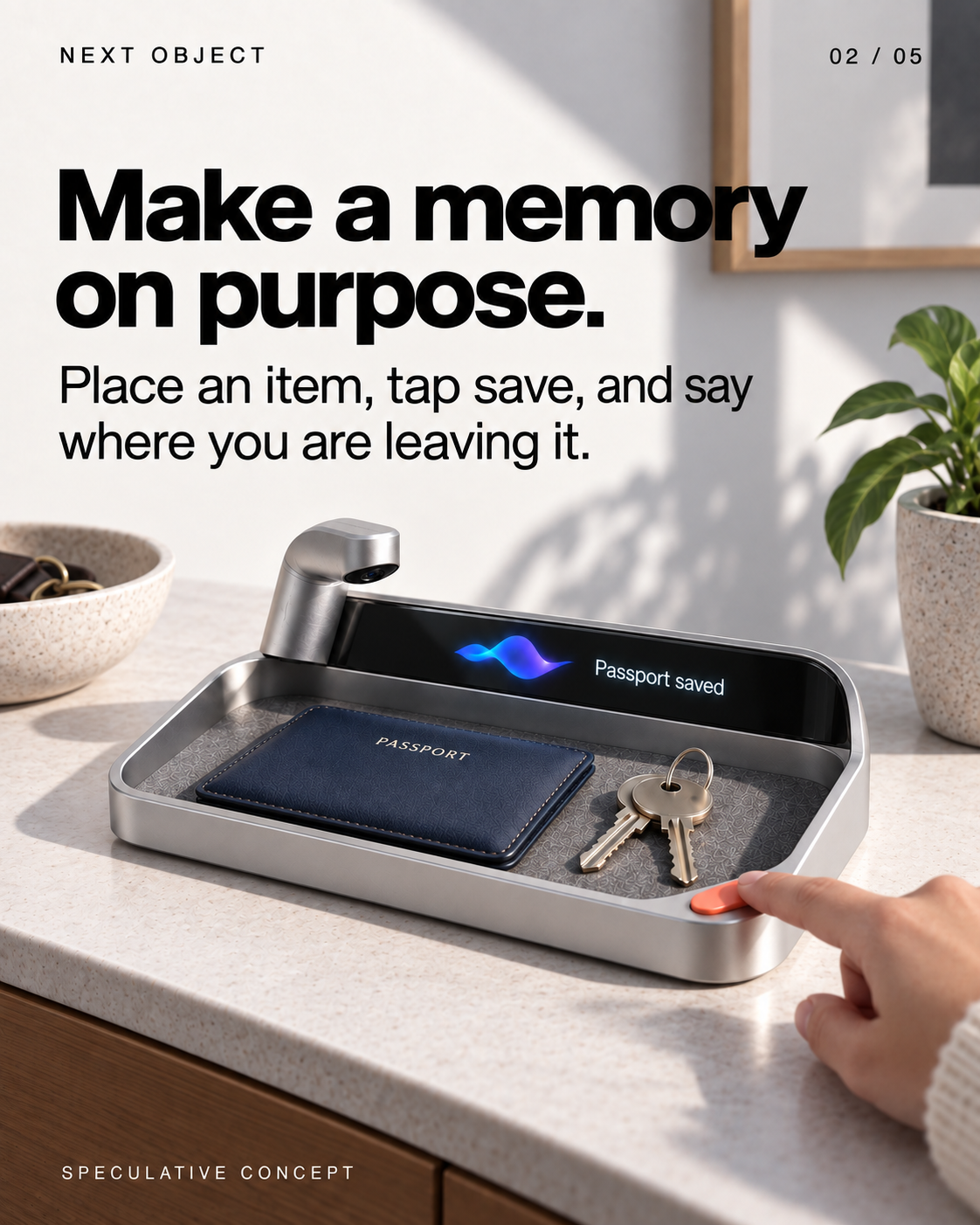

Llegeix el text de les diapositives
- NEST
A place for your things. A memory of where they were. Screen: Ready SPECULATIVE CONCEPT
- Make a memory on purpose.
Place an item, tap save, and say where you are leaving it. Screen: Passport saved SPECULATIVE CONCEPT
- Ask for the last known place.
See the saved location, its timestamp and a photo you can check. Screen: Passport Entry tray 09:10 today SPECULATIVE CONCEPT
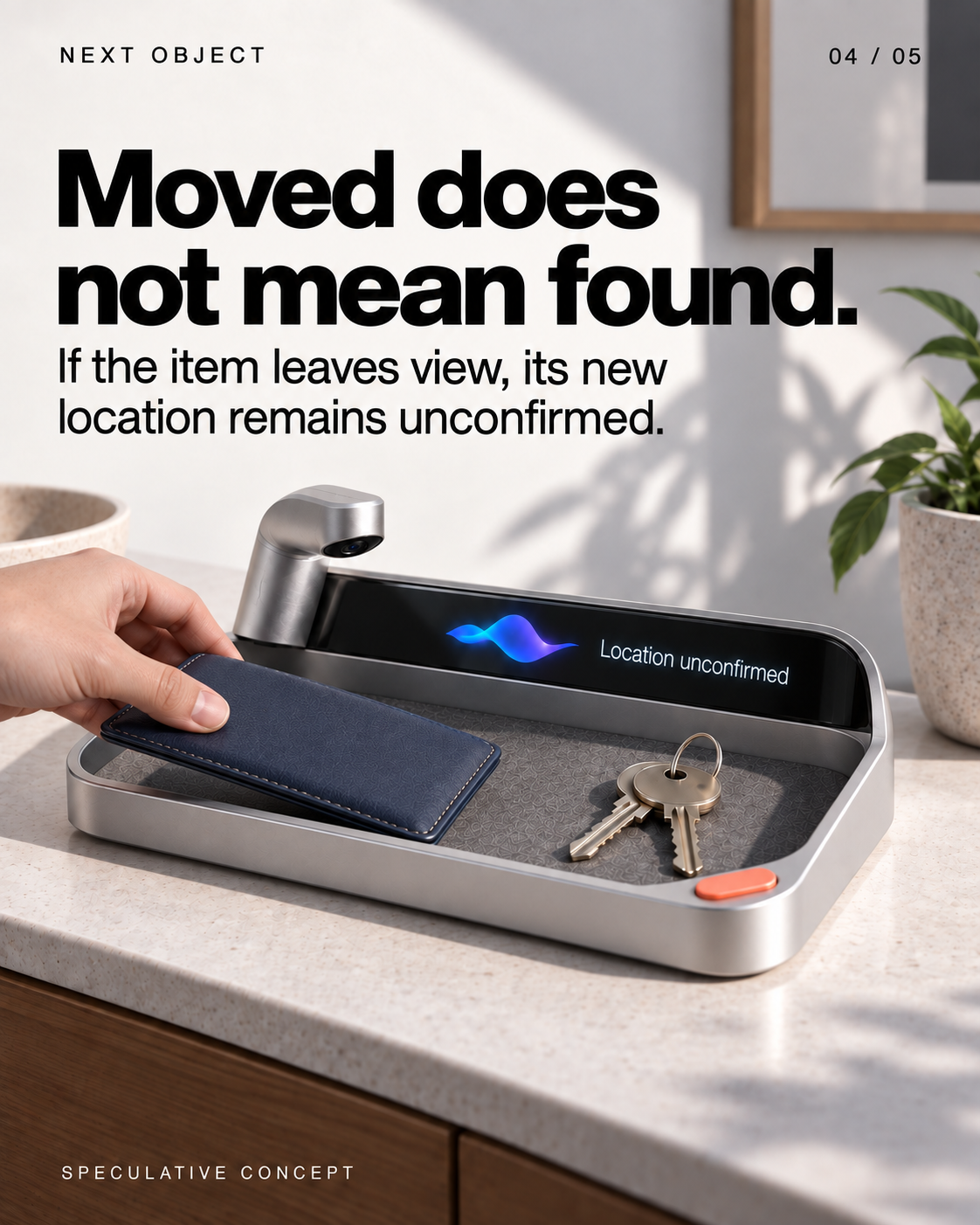
- Moved does not mean found.
If the item leaves view, its new location remains unconfirmed. Screen: Location unconfirmed SPECULATIVE CONCEPT
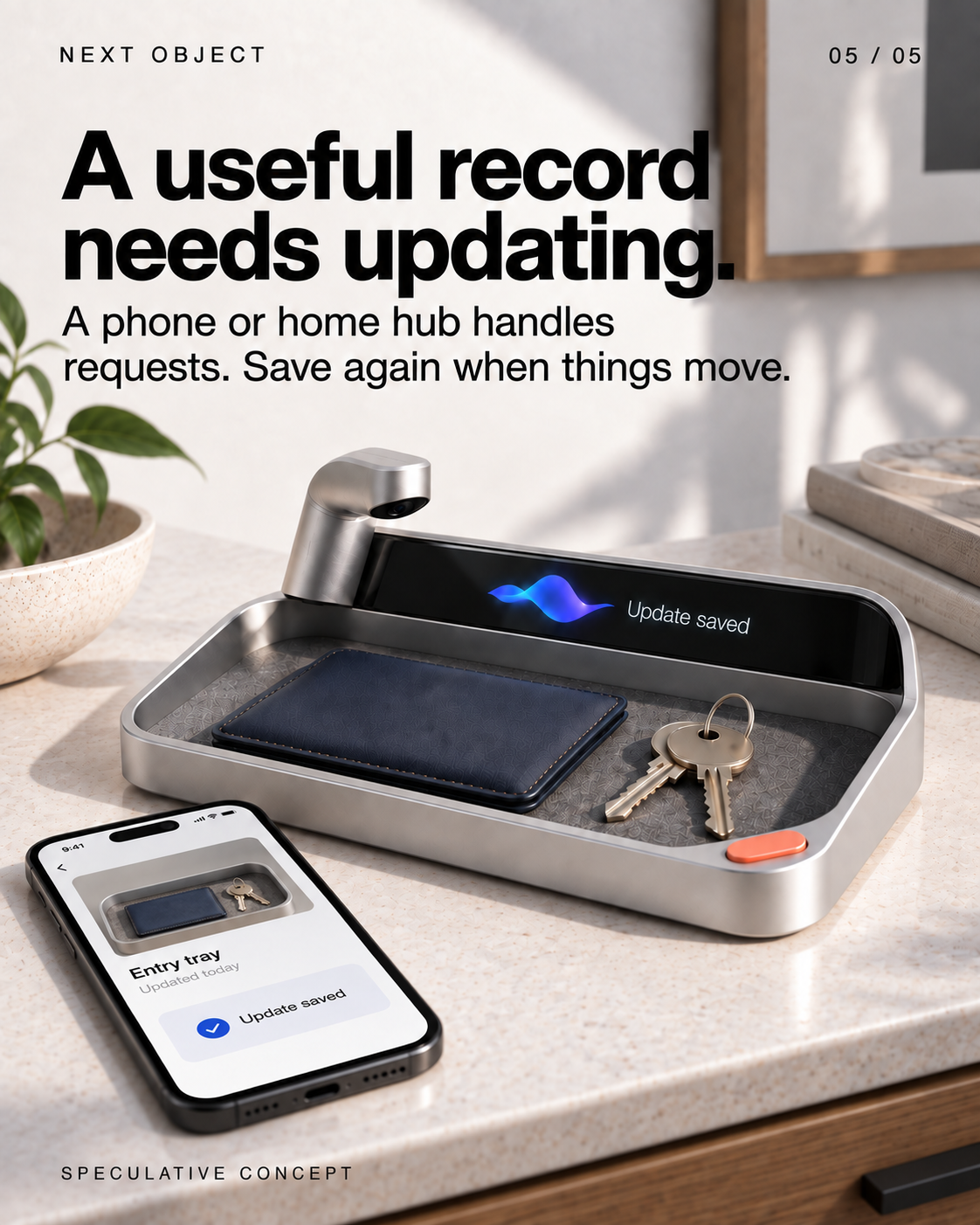
- A useful record needs updating.
A phone or home hub handles requests. Save again when things move. Screen: Update saved; Entry tray; Updated today SPECULATIVE CONCEPT
Veiem alternatives:
- Modifica la consulta.
- Inicia un nou fil.
- Elimina les fonts (si s'han afegit manualment).
SWATCH — a camera for collecting creative ingredients
 1/5
1/5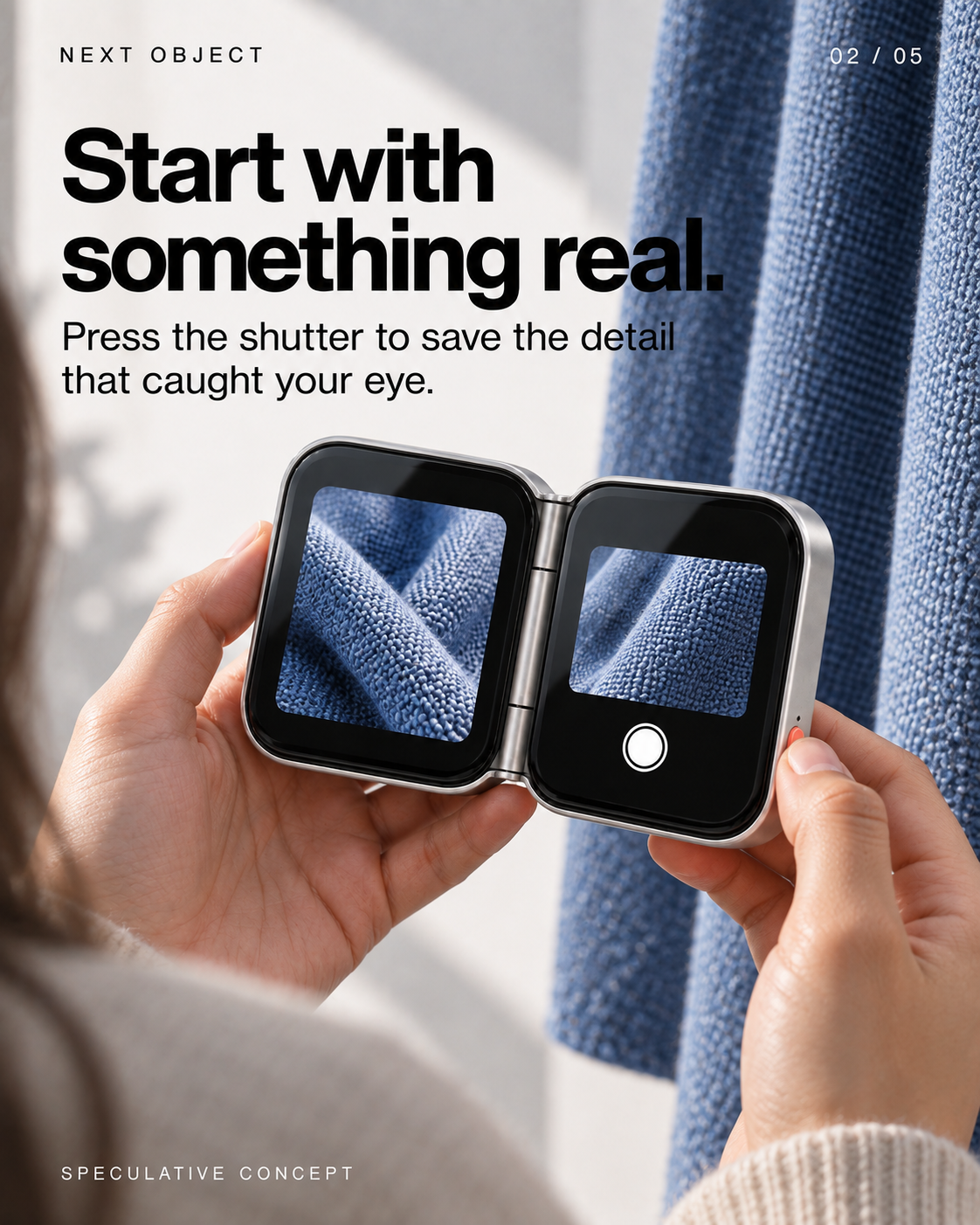
Llegeix el text de les diapositives
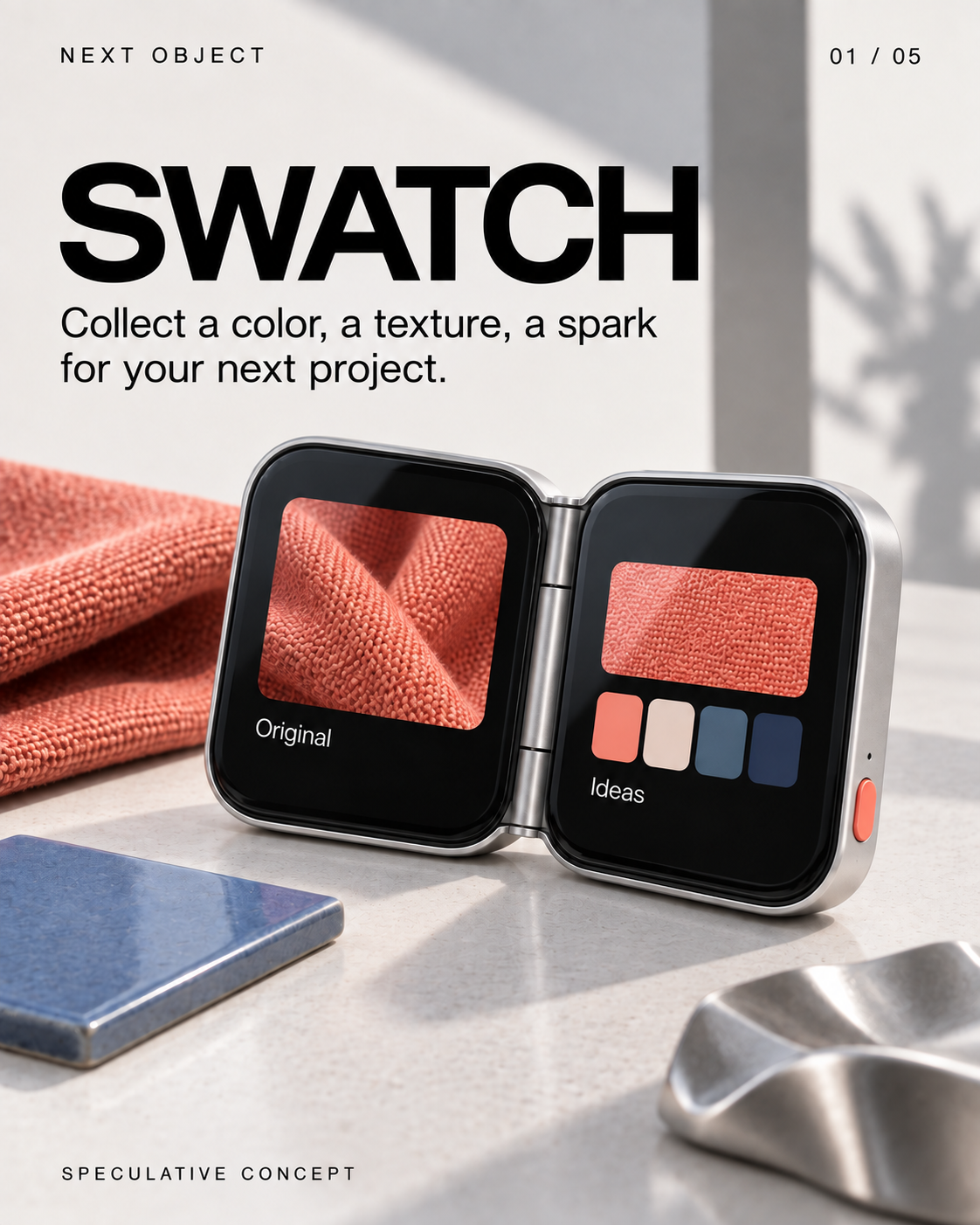
- SWATCH
Collect a color, a texture, a spark for your next project. Screen: Original Ideas SPECULATIVE CONCEPT
- Start with something real.
Press the shutter to save the detail that caught your eye. SPECULATIVE CONCEPT
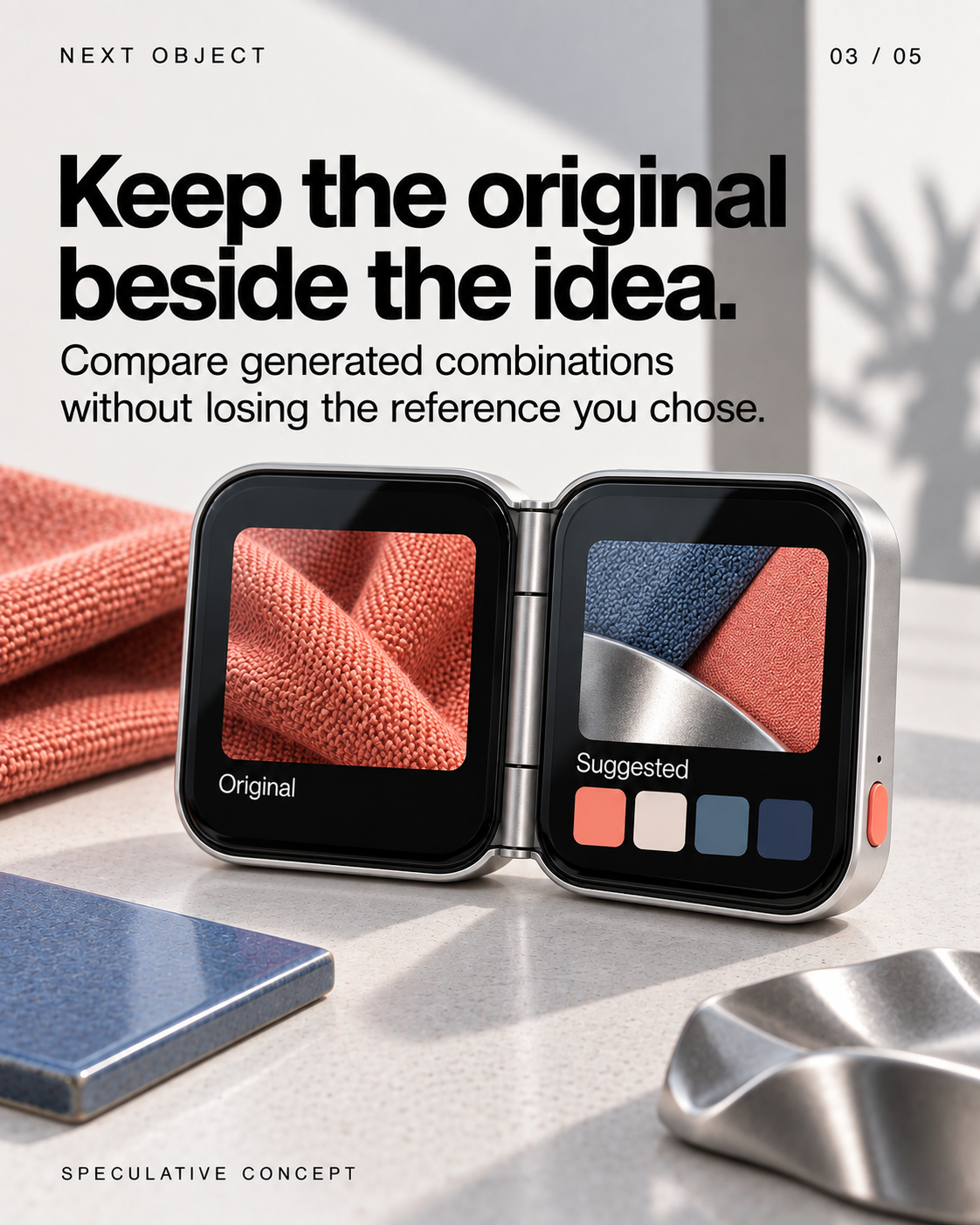
- Keep the original beside the idea.
Compare generated combinations without losing the reference you chose. Screen: Original Suggested SPECULATIVE CONCEPT
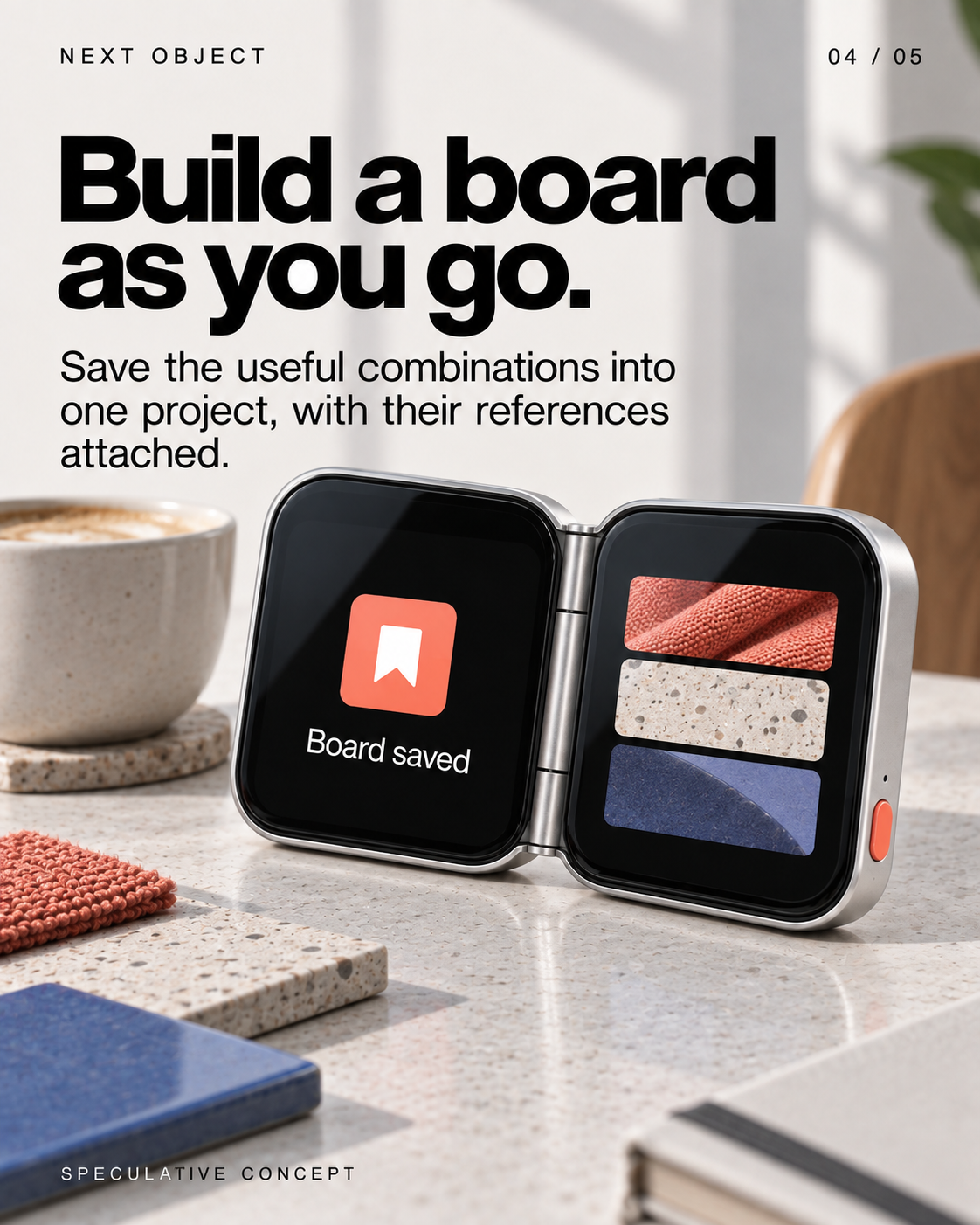
- Build a board as you go.
Save the useful combinations into one project, with their references attached. Screen: Board saved SPECULATIVE CONCEPT
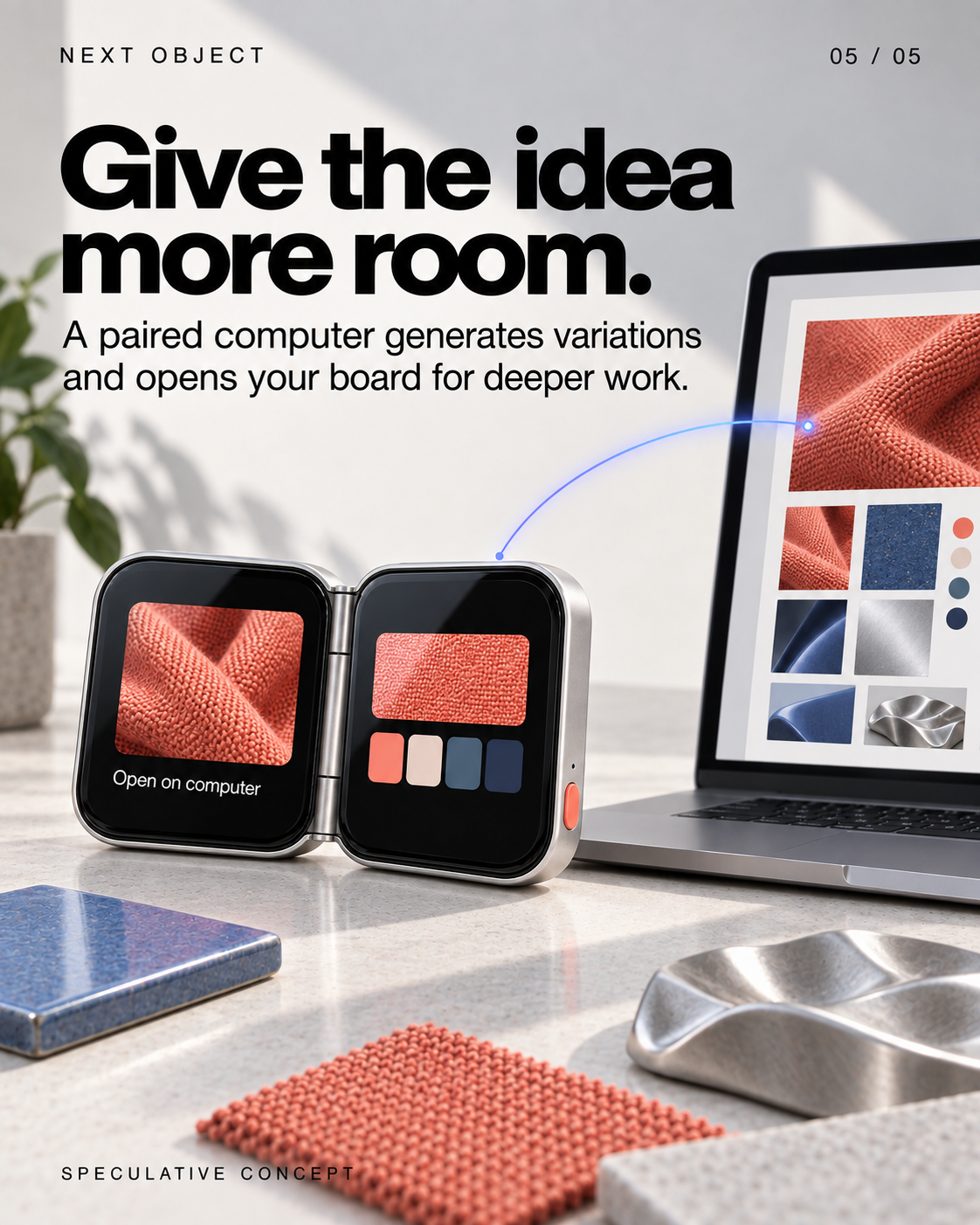
- Give the idea more room.
A paired computer generates variations and opens your board for deeper work. Screen: Open on computer SPECULATIVE CONCEPT
Veiem alternatives:
- Modifica la consulta.
- Inicia un nou fil.
- Elimina les fonts (si s'han afegit manualment).
PORTER — the side table comes to you
 1/5
1/5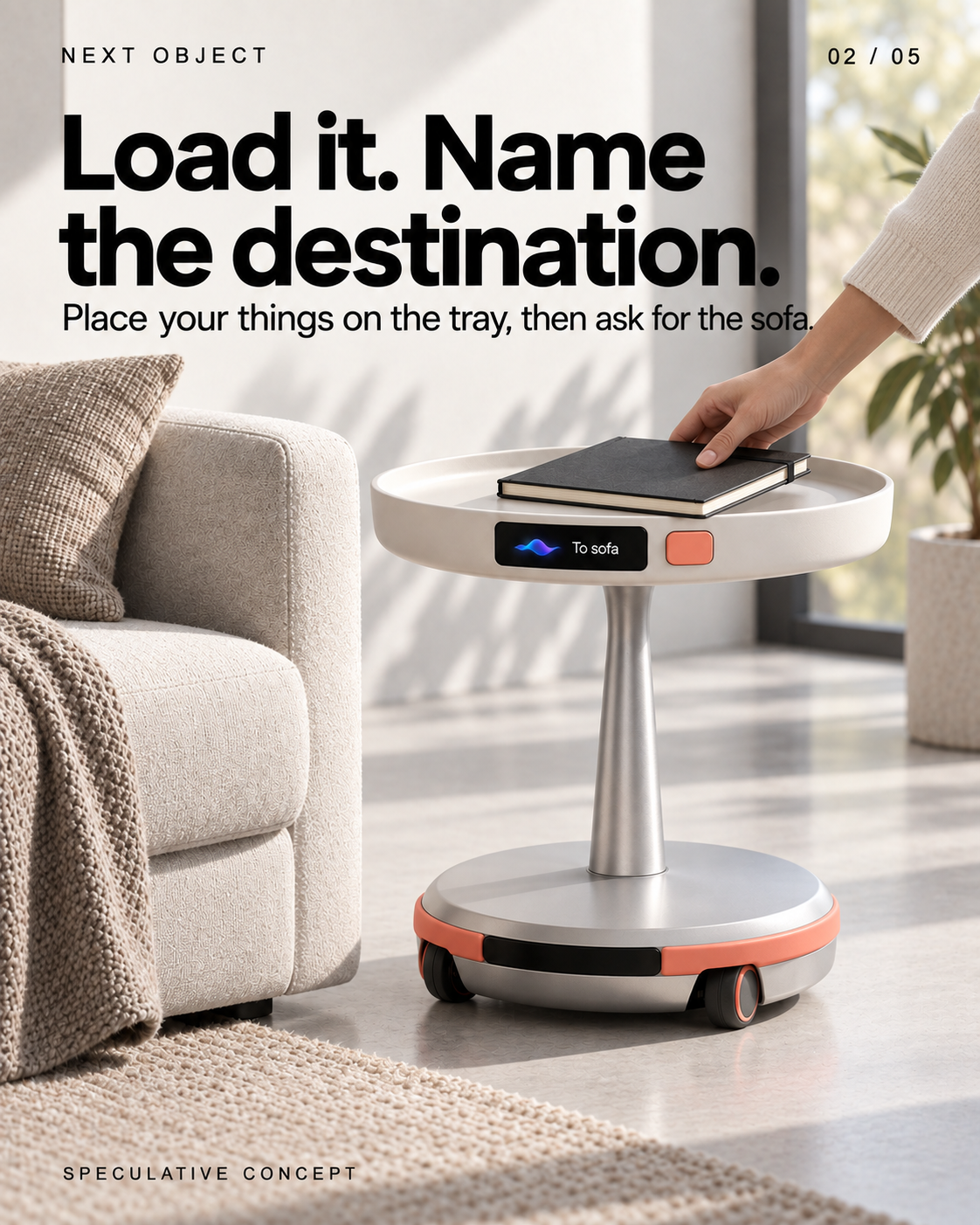
Llegeix el text de les diapositives
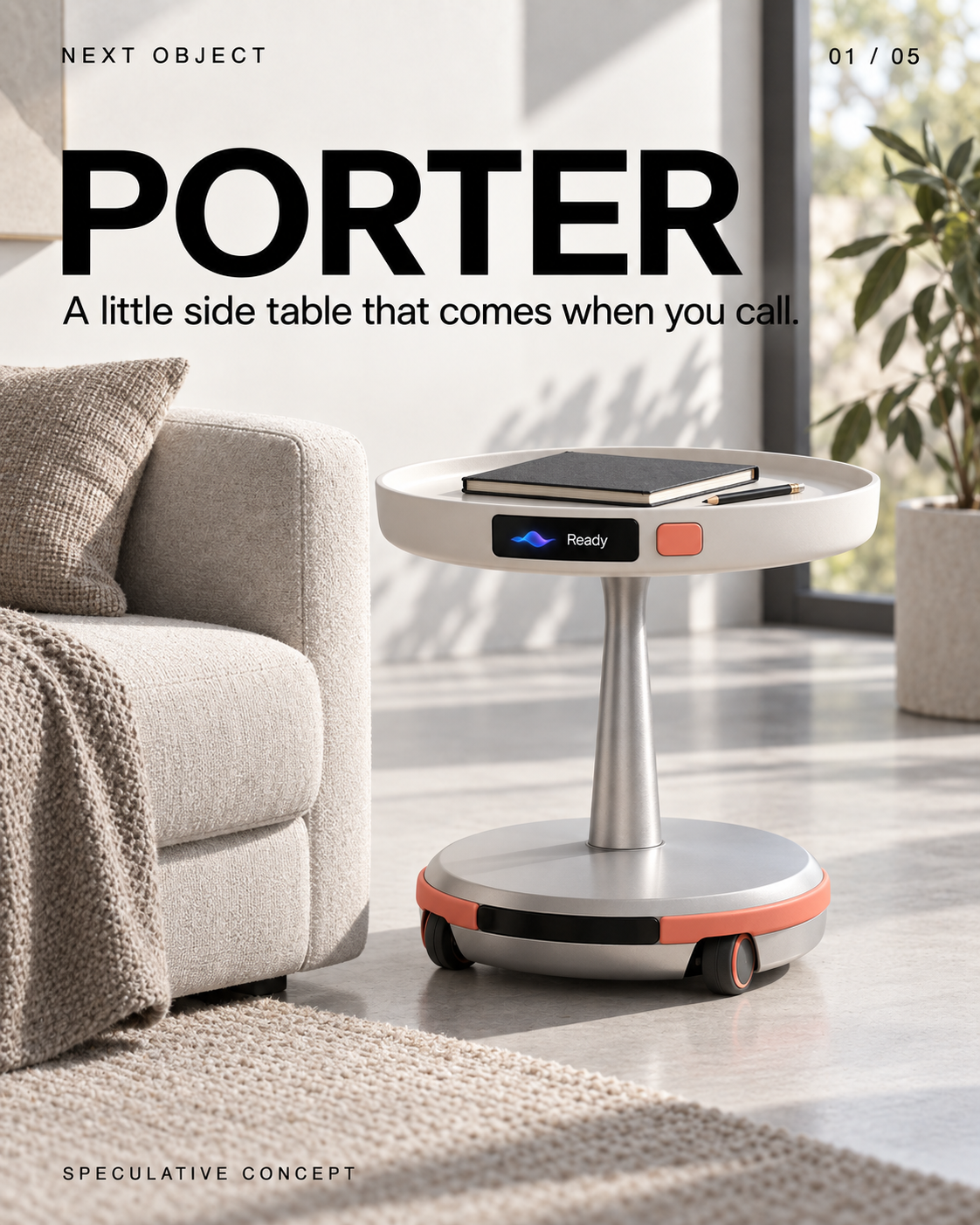
- PORTER
A little side table that comes when you call. Screen: Ready SPECULATIVE CONCEPT
- Load it. Name the destination.
Place your things on the tray, then ask for the sofa. Screen: To sofa SPECULATIVE CONCEPT
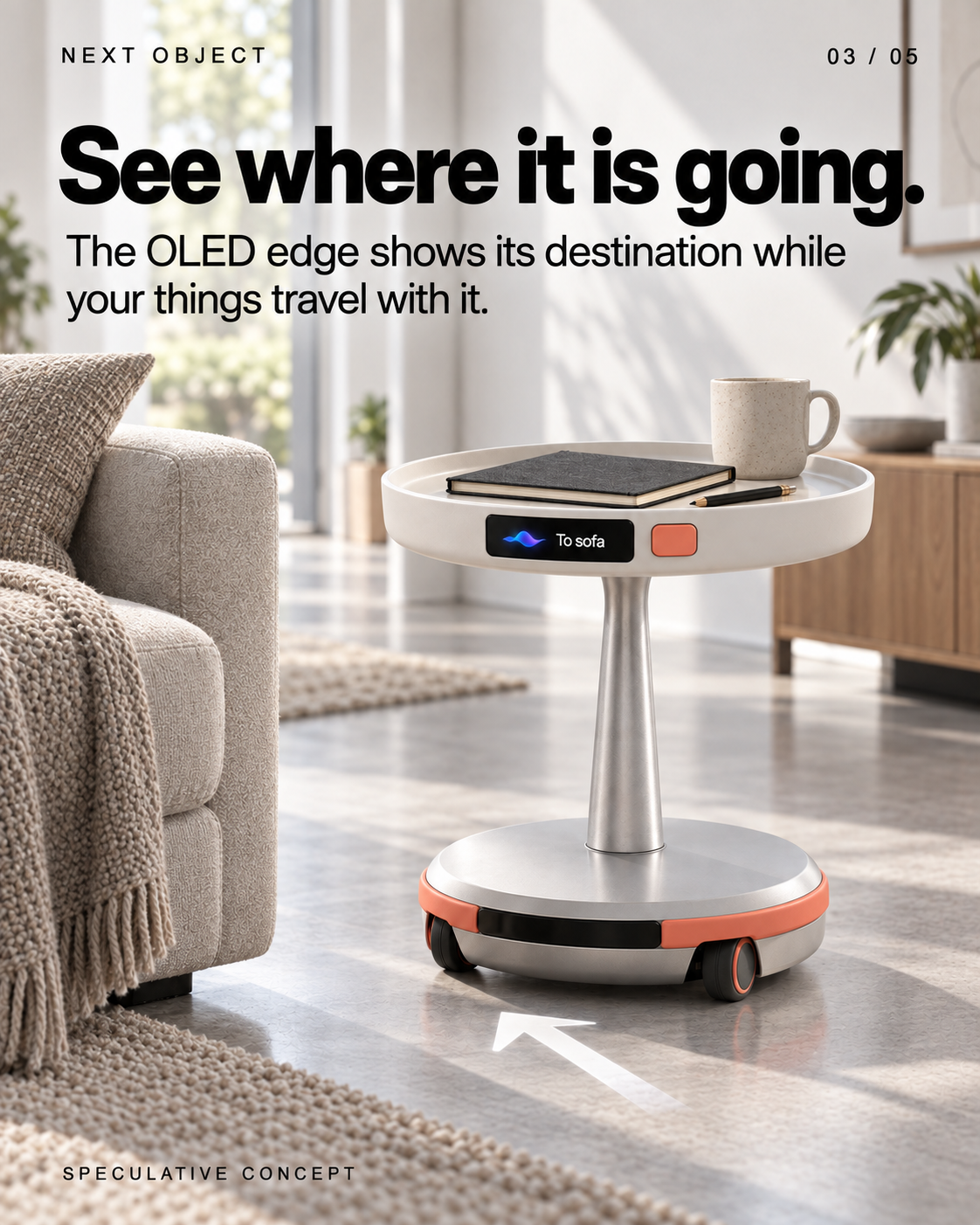
- See where it is going.
The OLED edge shows its destination while your things travel with it. Screen: To sofa SPECULATIVE CONCEPT
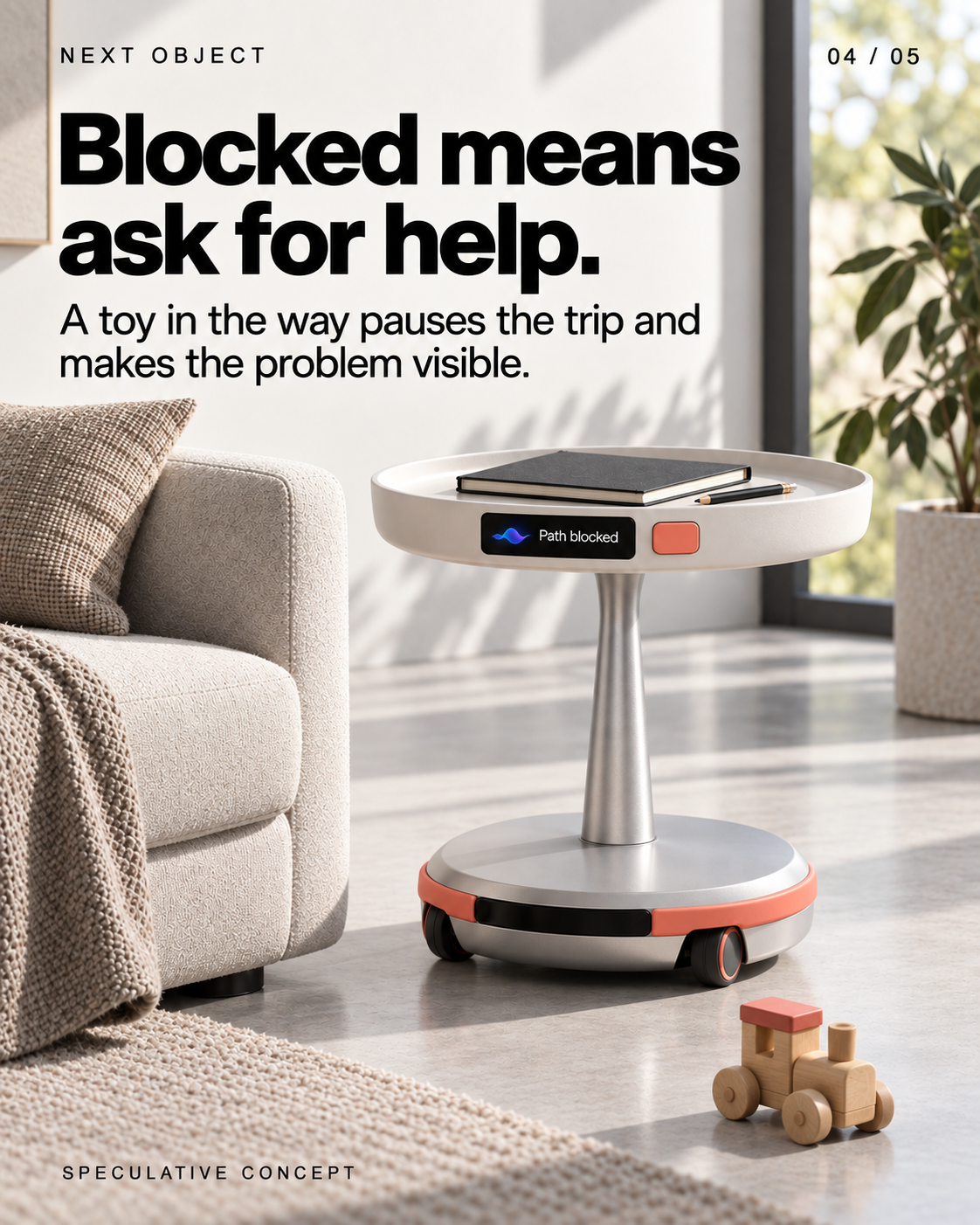
- Blocked means ask for help.
A toy in the way pauses the trip and makes the problem visible. Screen: Path blocked SPECULATIVE CONCEPT
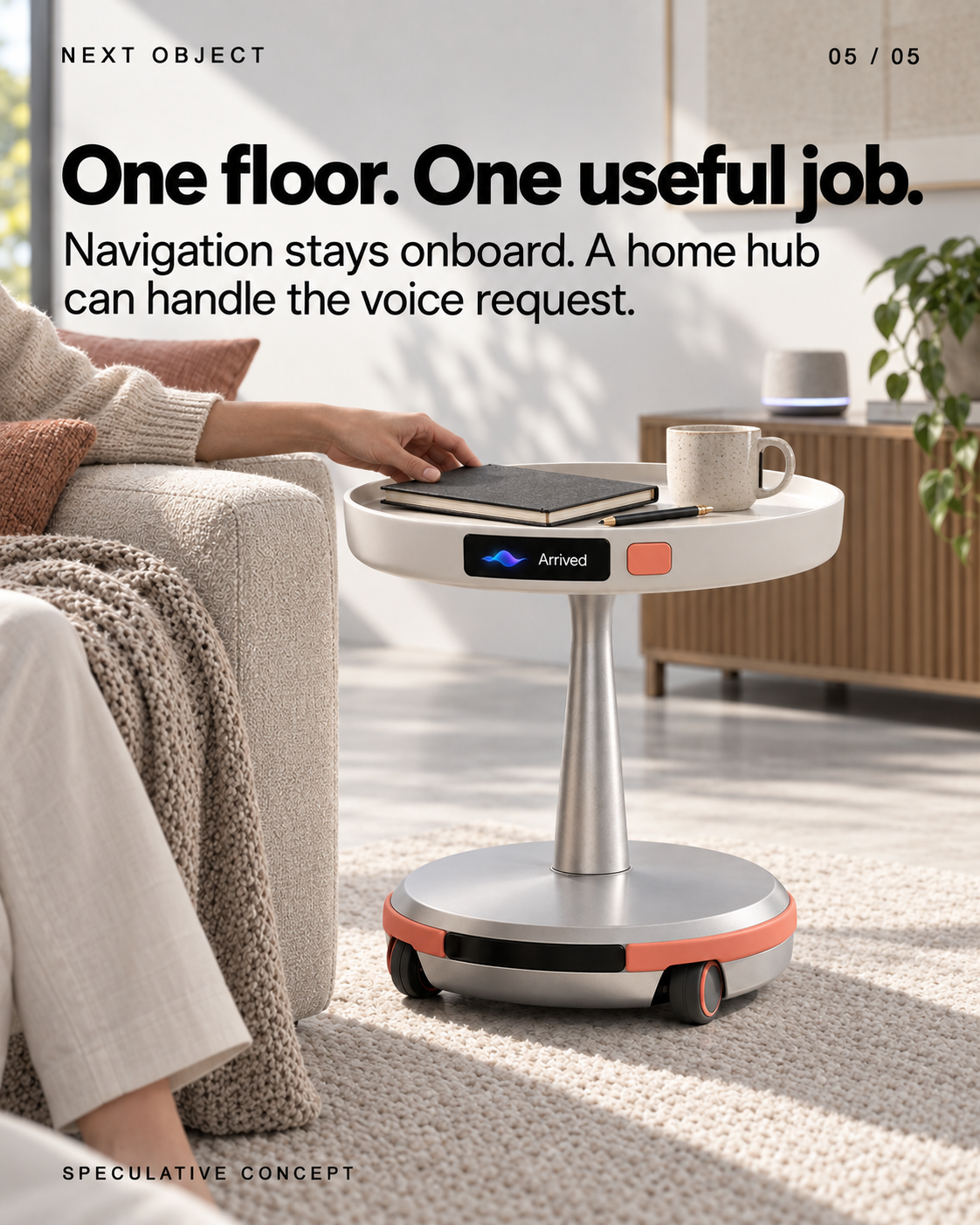
- One floor. One useful job.
Navigation stays onboard. A home hub can handle the voice request. Screen: Arrived SPECULATIVE CONCEPT
Veiem alternatives:
- Modifica la consulta.
- Inicia un nou fil.
- Elimina les fonts (si s'han afegit manualment).
CAST — an AI character joins game night
 1/5
1/5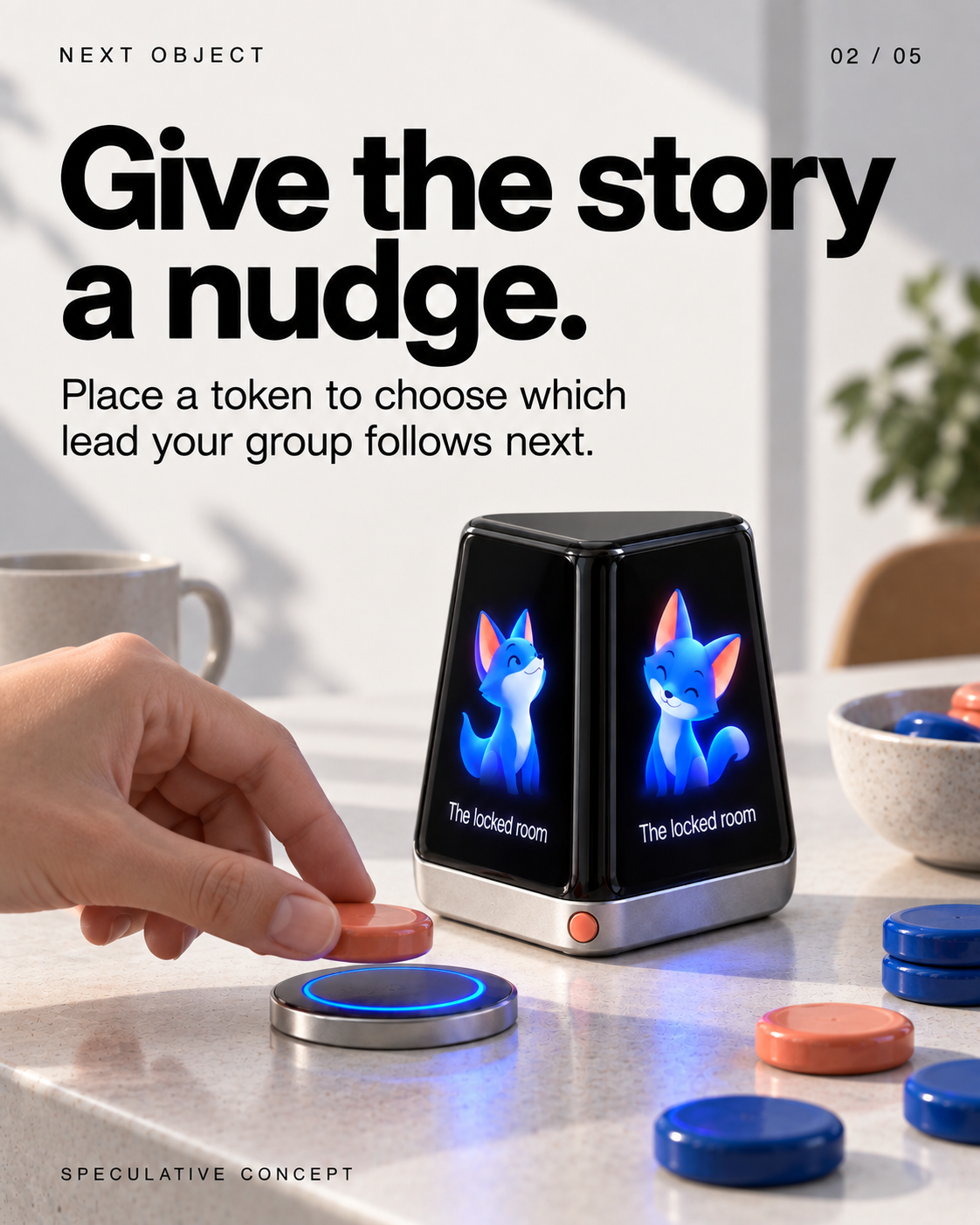
Llegeix el text de les diapositives
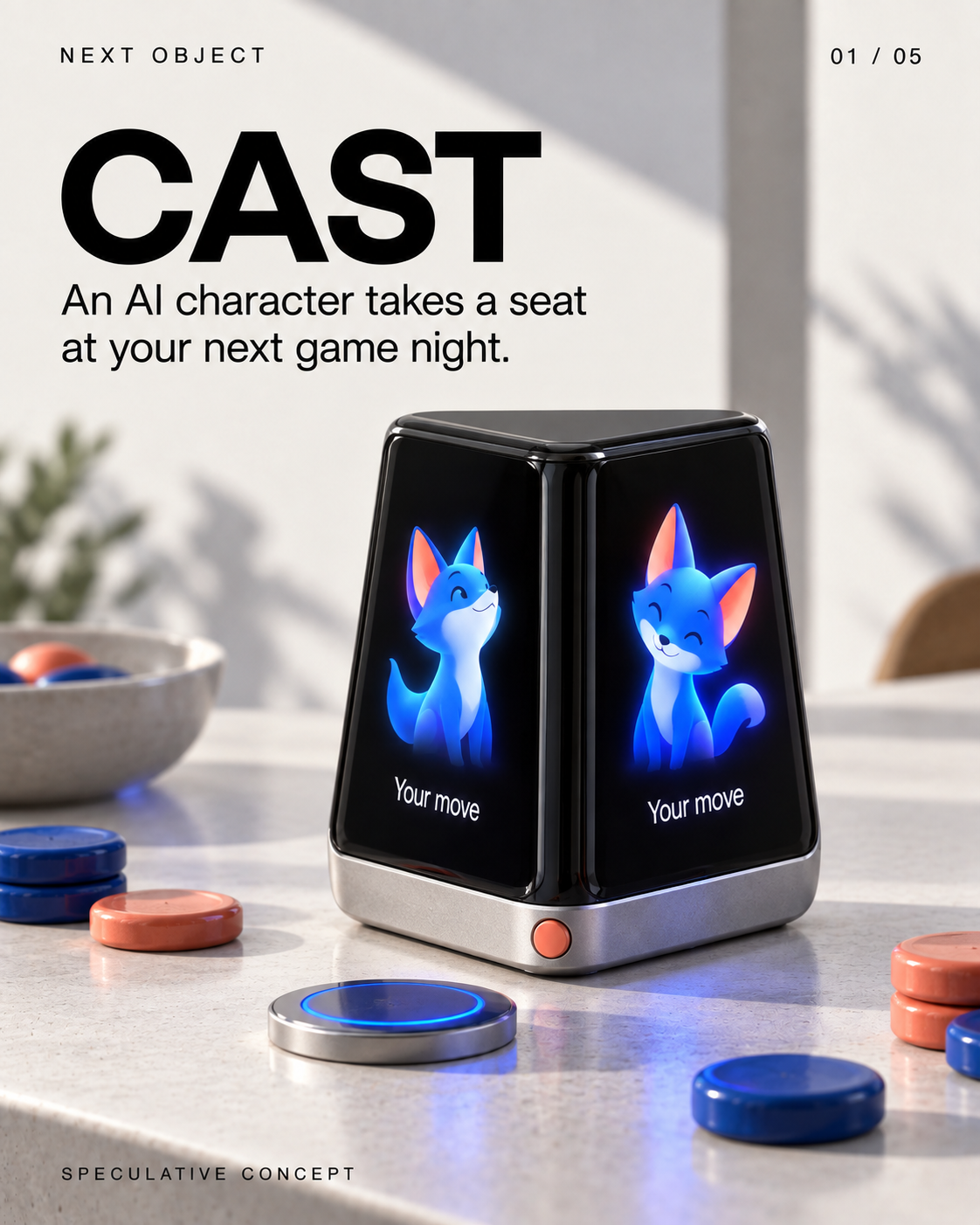
- CAST
An AI character takes a seat at your next game night. Screen: Your move SPECULATIVE CONCEPT
- Give the story a nudge.
Place a token to choose which lead your group follows next. Screen: The locked room SPECULATIVE CONCEPT
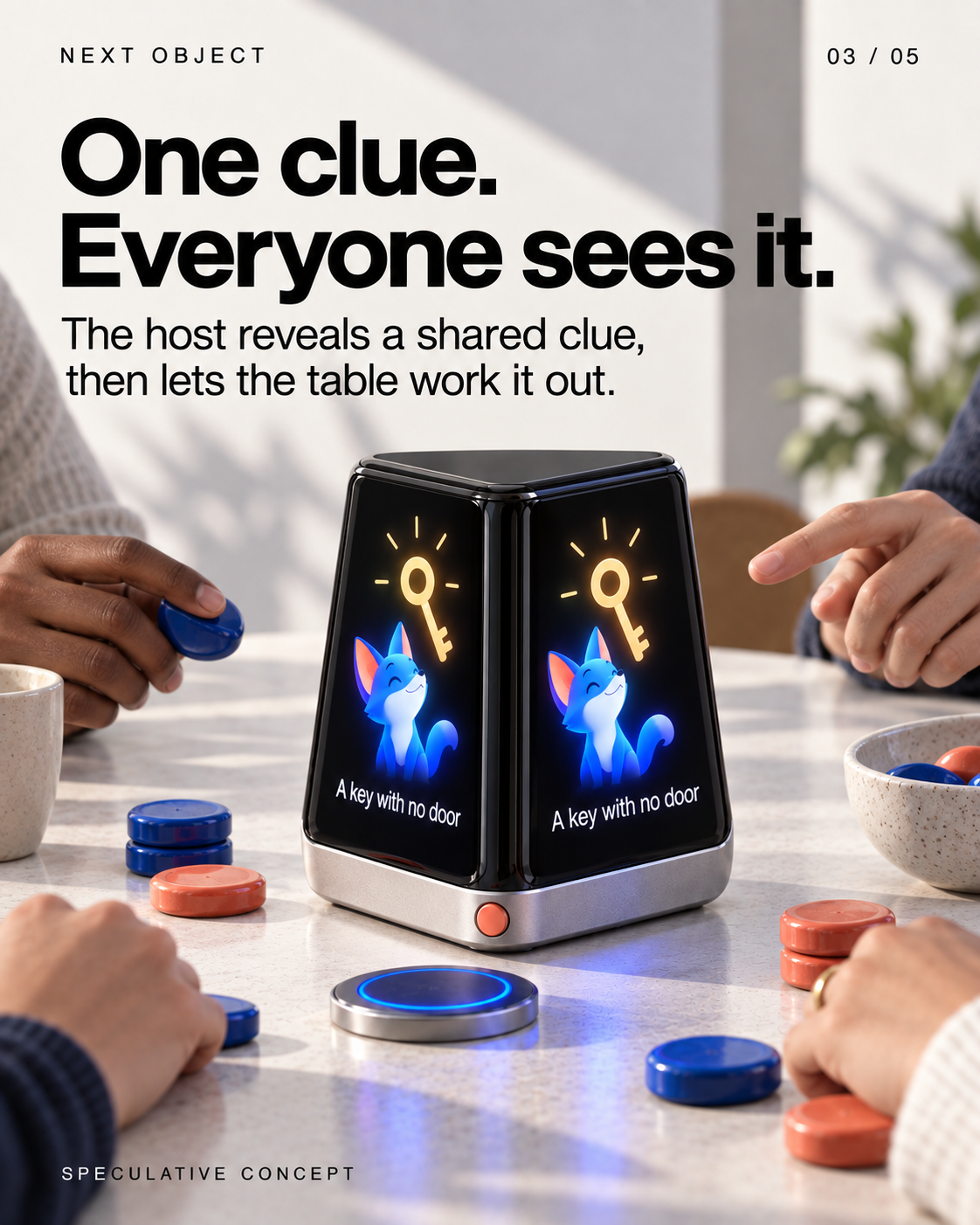
- One clue. Everyone sees it.
The host reveals a shared clue, then lets the table work it out. Screen: A key with no door SPECULATIVE CONCEPT
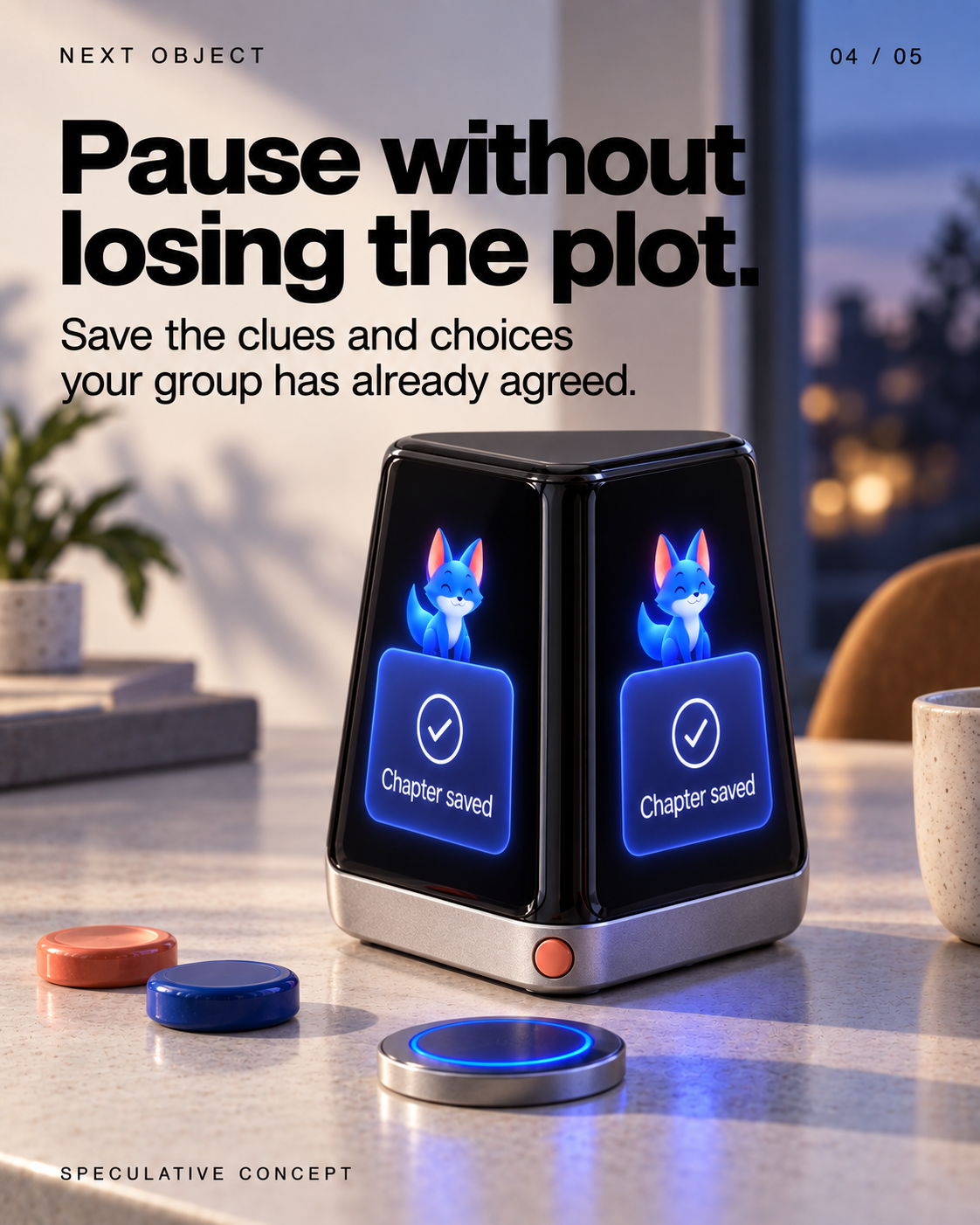
- Pause without losing the plot.
Save the clues and choices your group has already agreed. Screen: Chapter saved SPECULATIVE CONCEPT
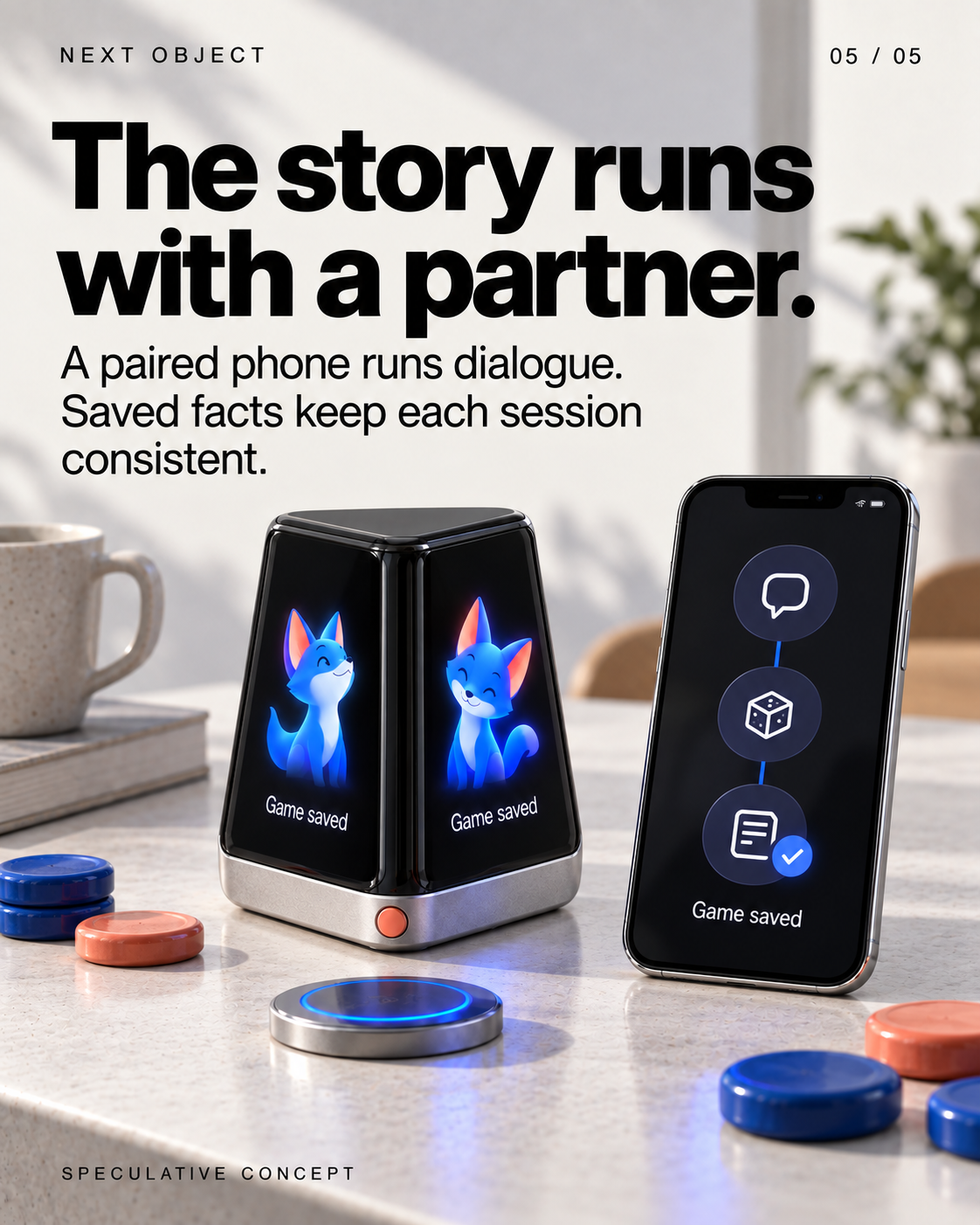
- The story runs with a partner.
A paired phone runs dialogue. Saved facts keep each session consistent. Screen: Game saved (on the device and phone) SPECULATIVE CONCEPT
Veiem alternatives:
- Modifica la consulta.
- Inicia un nou fil.
- Elimina les fonts (si s'han afegit manualment).
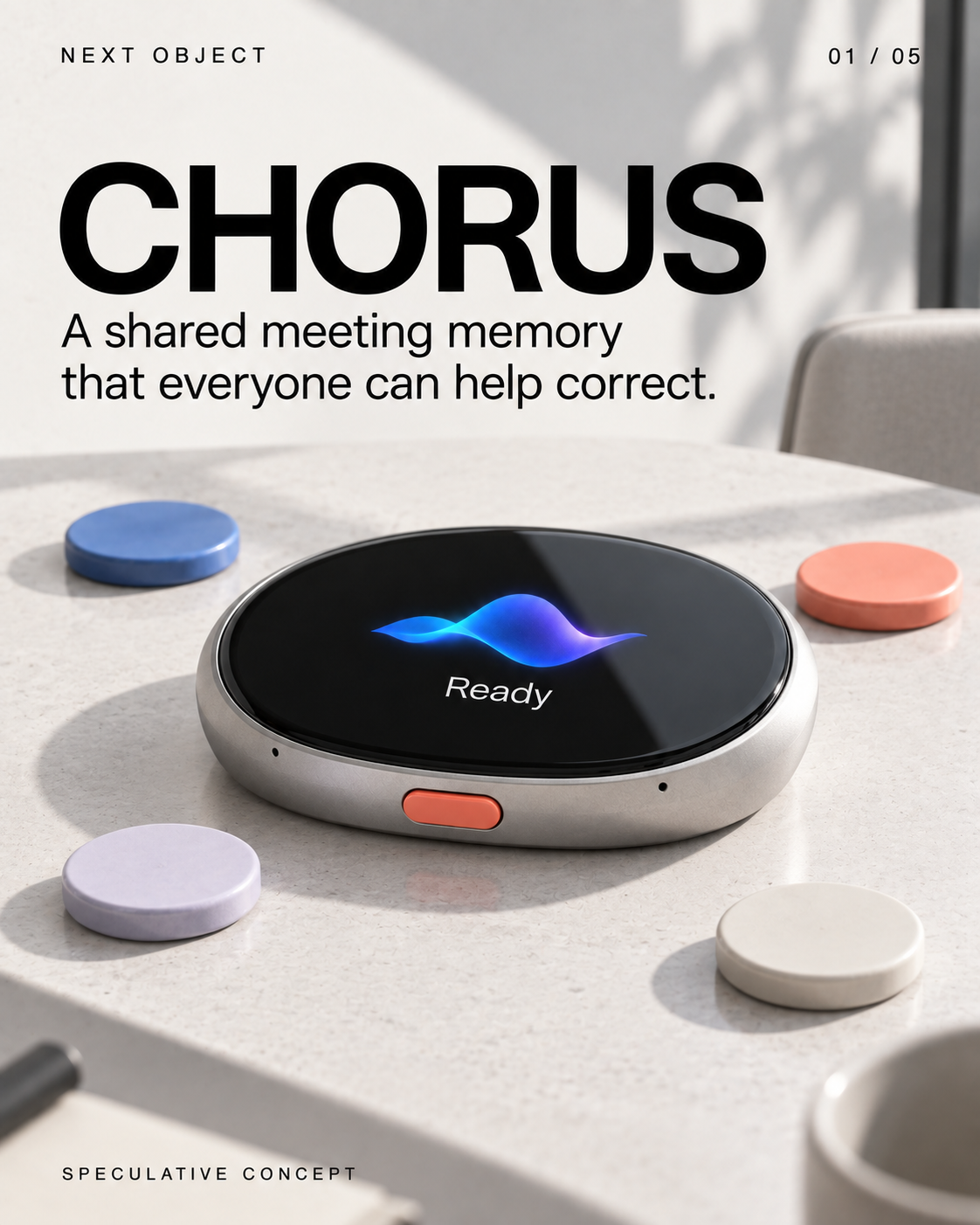
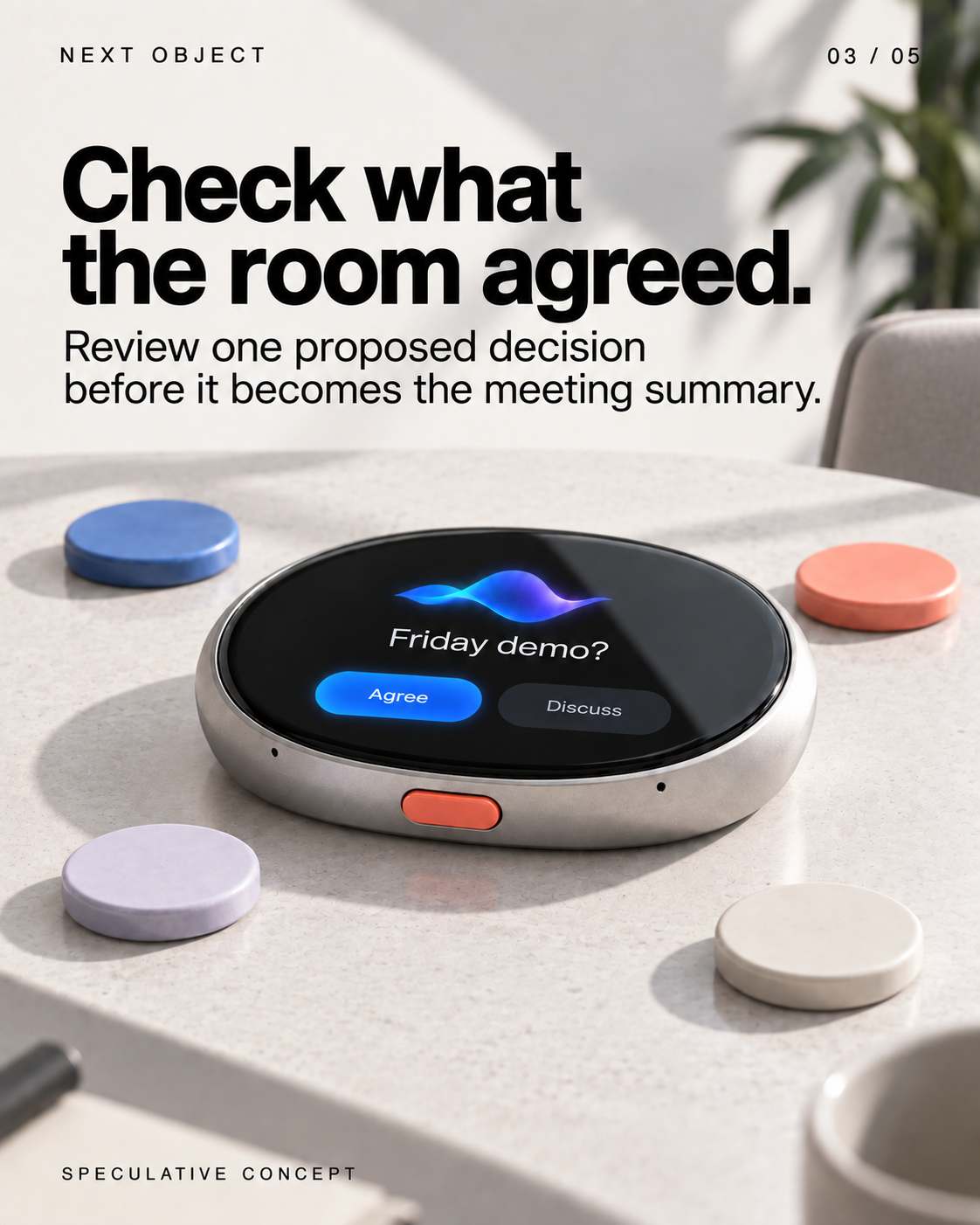
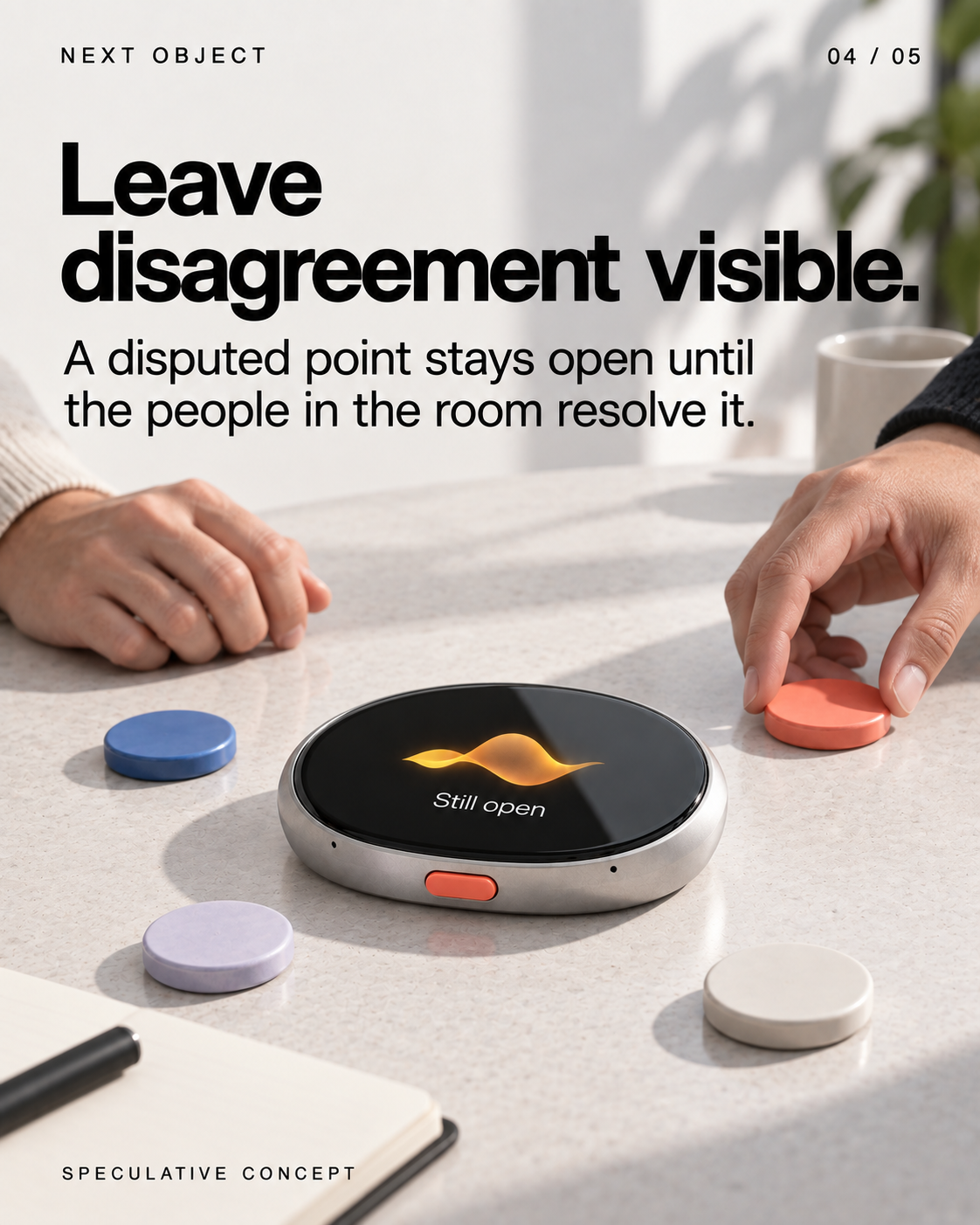
CHORUS — a meeting memory everyone can correct
 1/5
1/5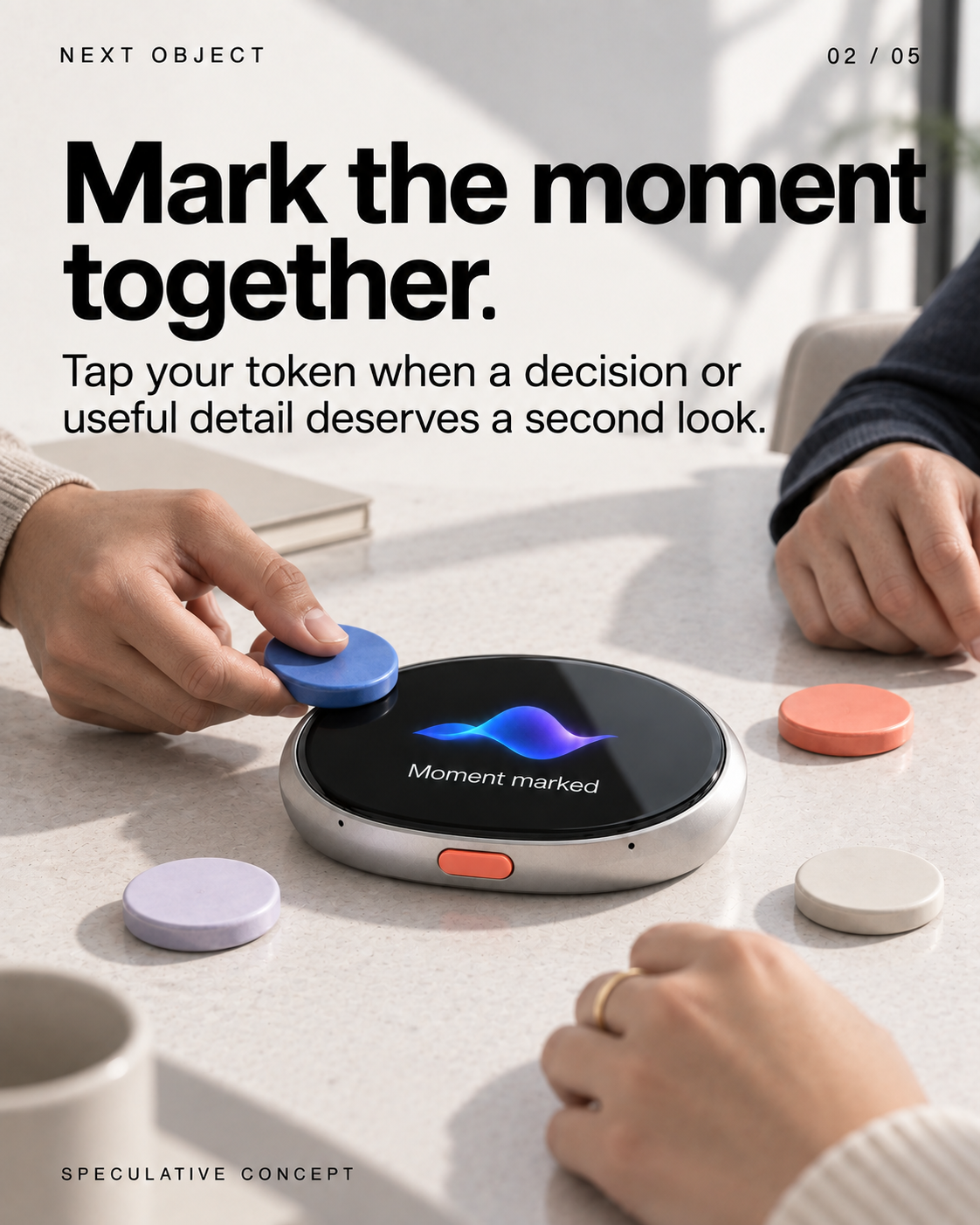
Llegeix el text de les diapositives
- CHORUS
A shared meeting memory that everyone can help correct. Screen: Ready SPECULATIVE CONCEPT
- Mark the moment together.
Tap your token when a decision or useful detail deserves a second look. Screen: Moment marked SPECULATIVE CONCEPT
- Check what the room agreed.
Review one proposed decision before it becomes the meeting summary. Screen: Friday demo? Agree · Discuss SPECULATIVE CONCEPT
- Leave disagreement visible.
A disputed point stays open until the people in the room resolve it. Screen: Still open SPECULATIVE CONCEPT
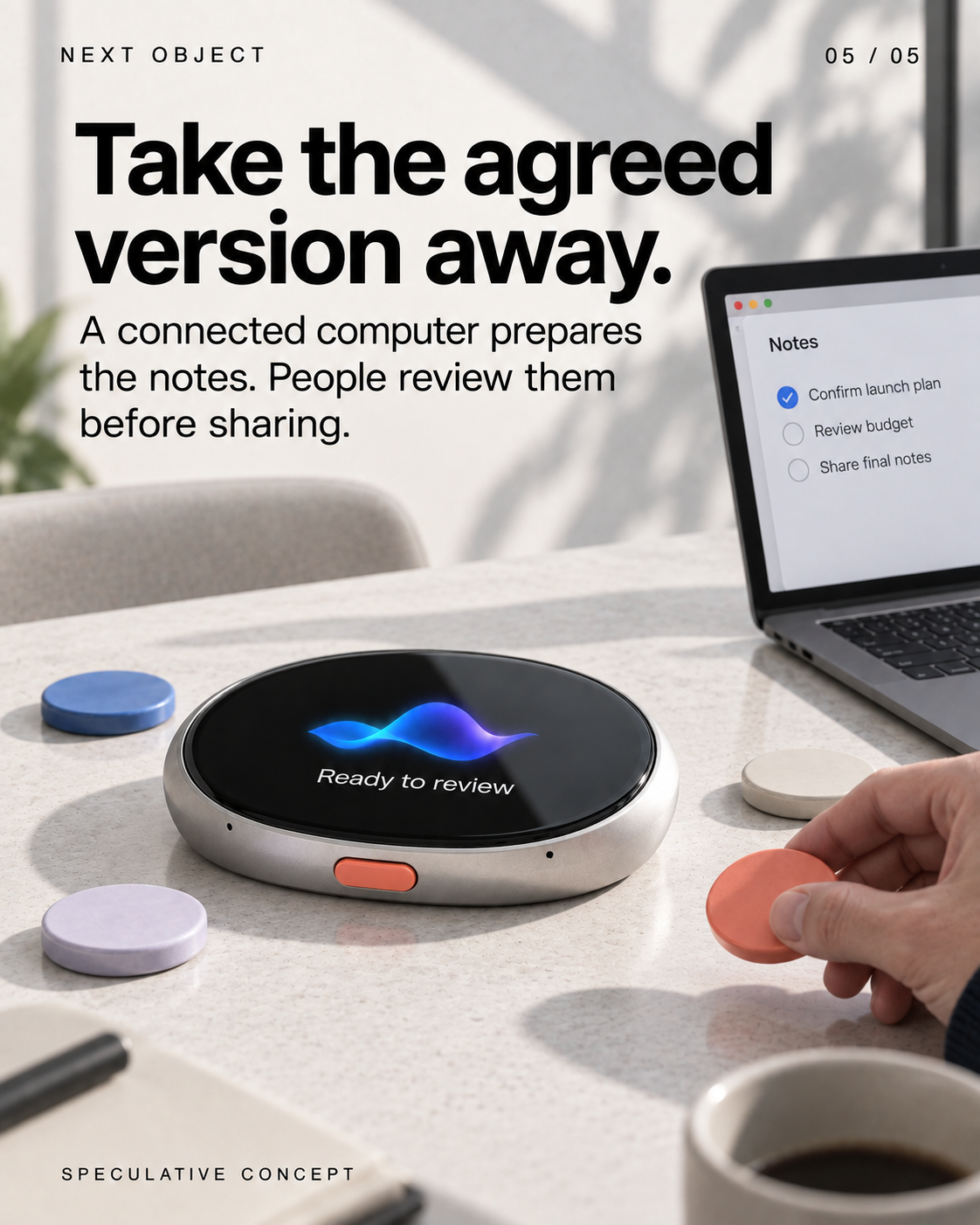
- Take the agreed version away.
A connected computer prepares the notes. People review them before sharing. Screen: Ready to review; Notes; Confirm launch plan (checked); Review budget (unchecked); Share final notes SPECULATIVE CONCEPT
Veiem alternatives:
- Modifica la consulta.
- Inicia un nou fil.
- Elimina les fonts (si s'han afegit manualment).
Muse Charm gives Meta's agent another physical form

NEWS · Announced · 23 September 2026
Meta has unveiled Muse Charm, a pocket device for talking to its personal agent. In its Connect recap, the company describes real-time voice interaction and says it will share more later this year.[1]
The design question is simple: which moment becomes easier because this is a separate object? A dedicated control could make asking more immediate. It also adds something to carry and charge.
This is an announcement, not a hands-on verdict. The next useful evidence is an ordinary task completed on the device, including the waiting, corrections and handoff to anything else it needs.
Veiem alternatives:
- Modifica la consulta.
- Inicia un nou fil.
- Elimina les fonts (si s'han afegit manualment).
BENCH — a worklight that remembers the repair
 1/5
1/5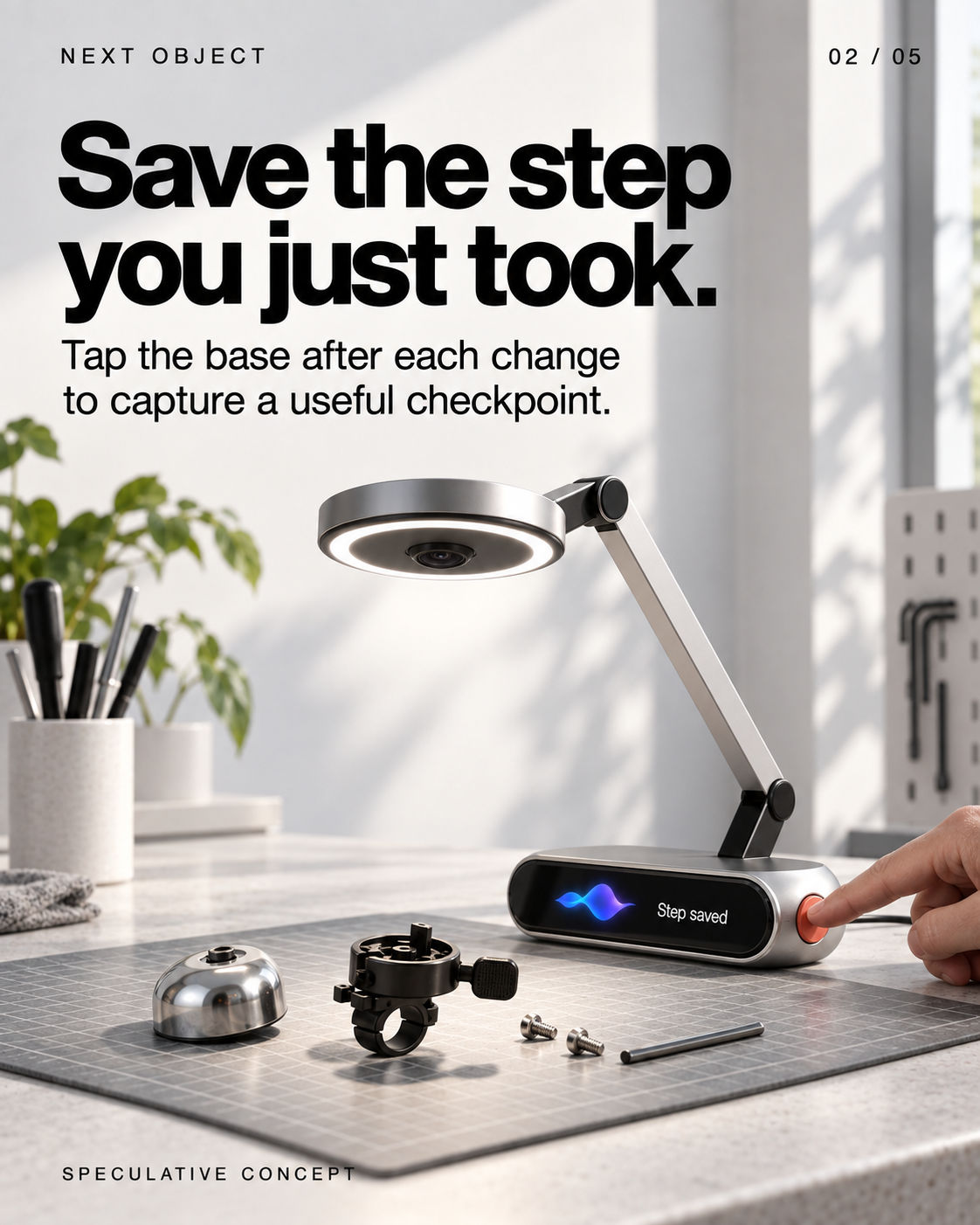
Llegeix el text de les diapositives
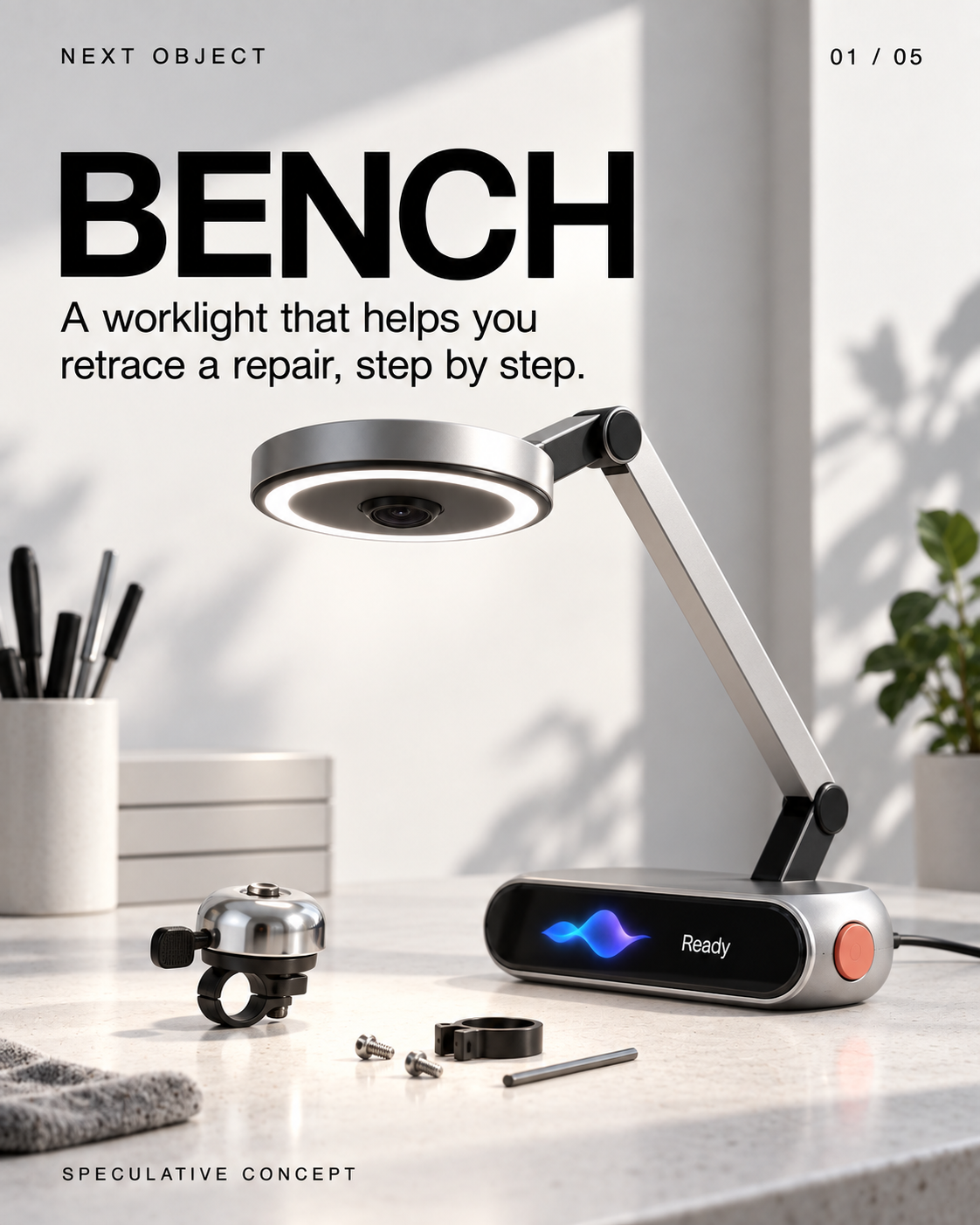
- BENCH
A worklight that helps you retrace a repair, step by step. Screen: Ready SPECULATIVE CONCEPT
- Save the step you just took.
Tap the base after each change to capture a useful checkpoint. Screen: Step saved SPECULATIVE CONCEPT
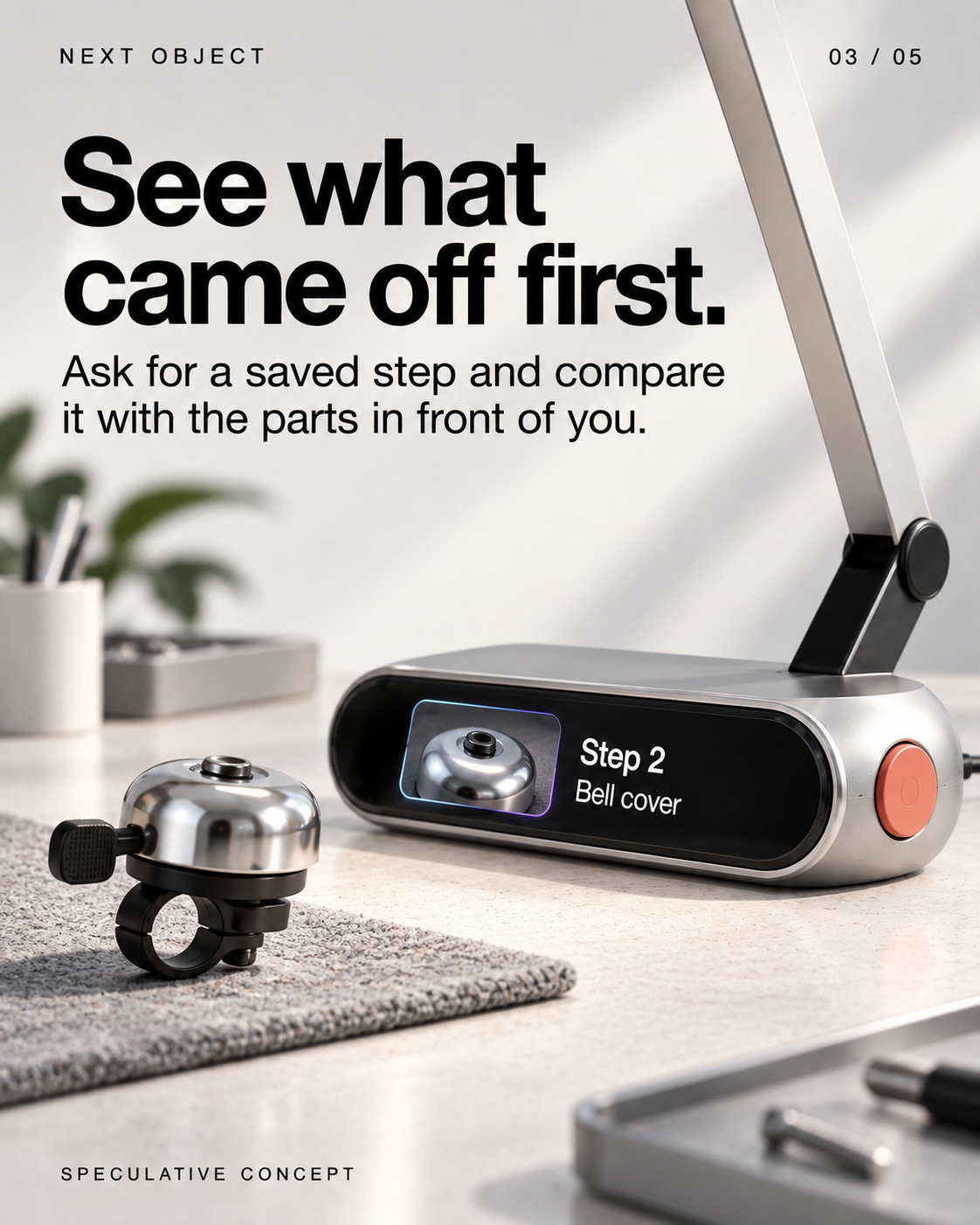
- See what came off first.
Ask for a saved step and compare it with the parts in front of you. Screen: Step 2 Bell cover SPECULATIVE CONCEPT
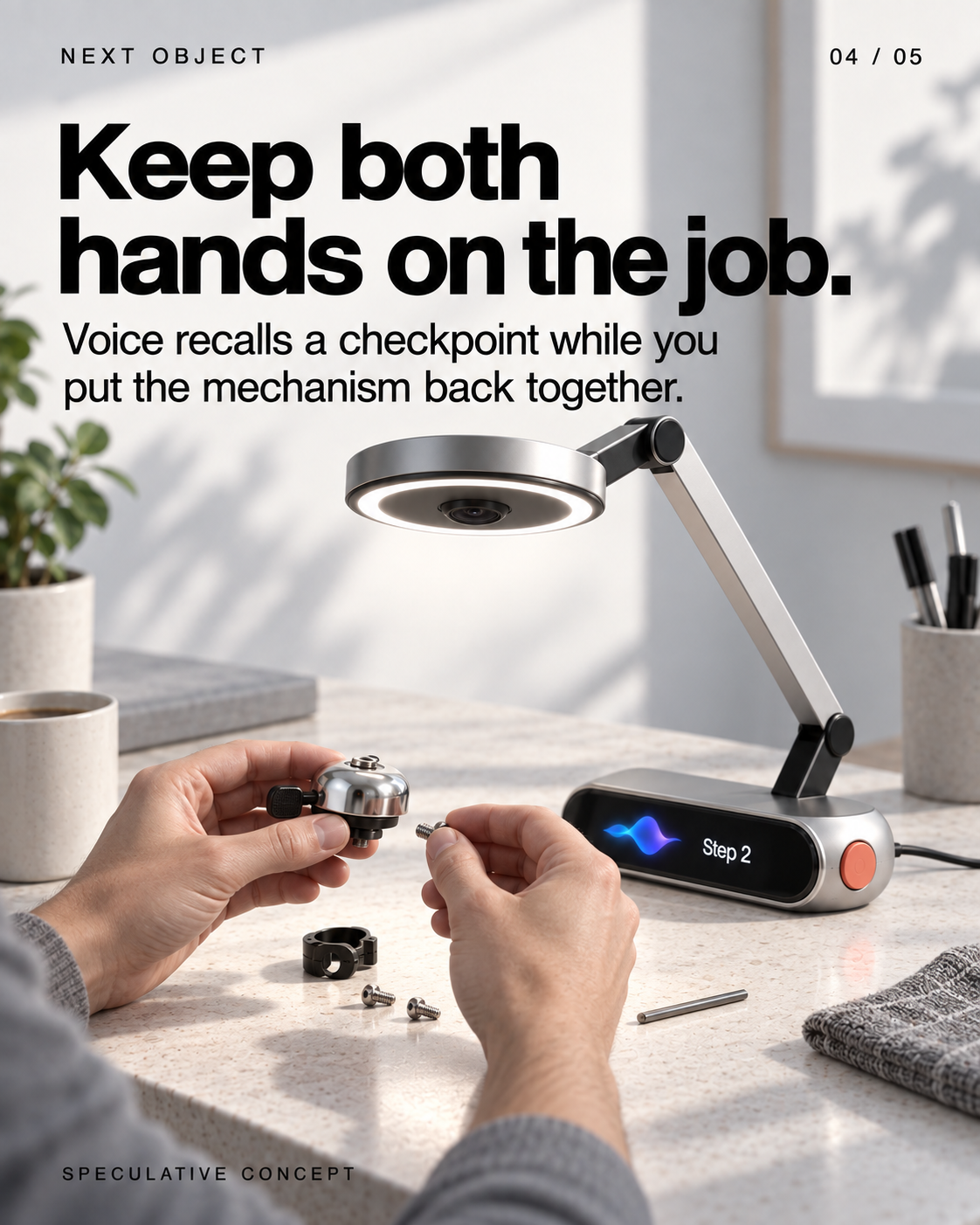
- Keep both hands on the job.
Voice recalls a checkpoint while you put the mechanism back together. Screen: Step 2 SPECULATIVE CONCEPT
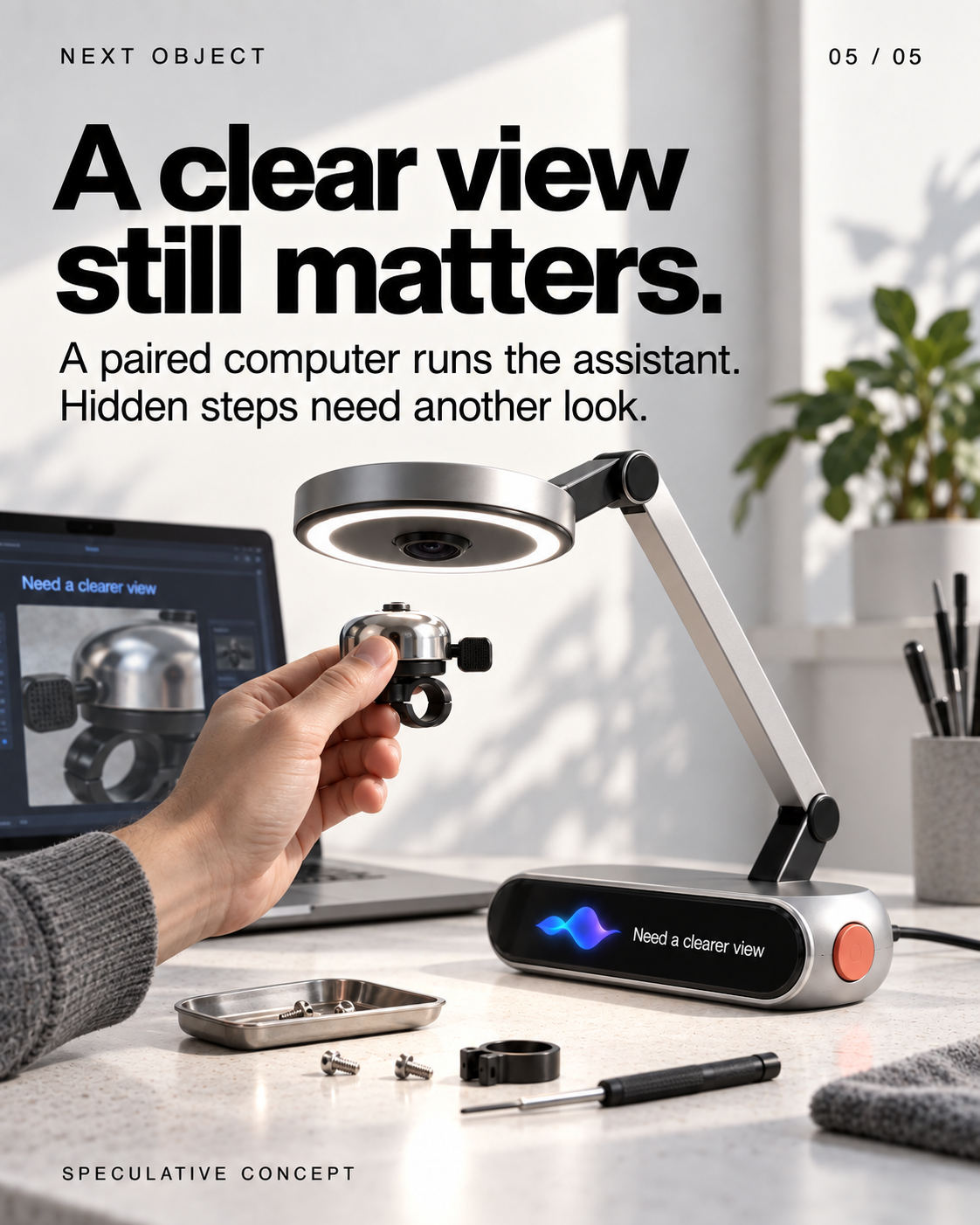
- A clear view still matters.
A paired computer runs the assistant. Hidden steps need another look. Screen: Need a clearer view SPECULATIVE CONCEPT
Veiem alternatives:
- Modifica la consulta.
- Inicia un nou fil.
- Elimina les fonts (si s'han afegit manualment).
HUSH — write to your AI without speaking
 1/5
1/5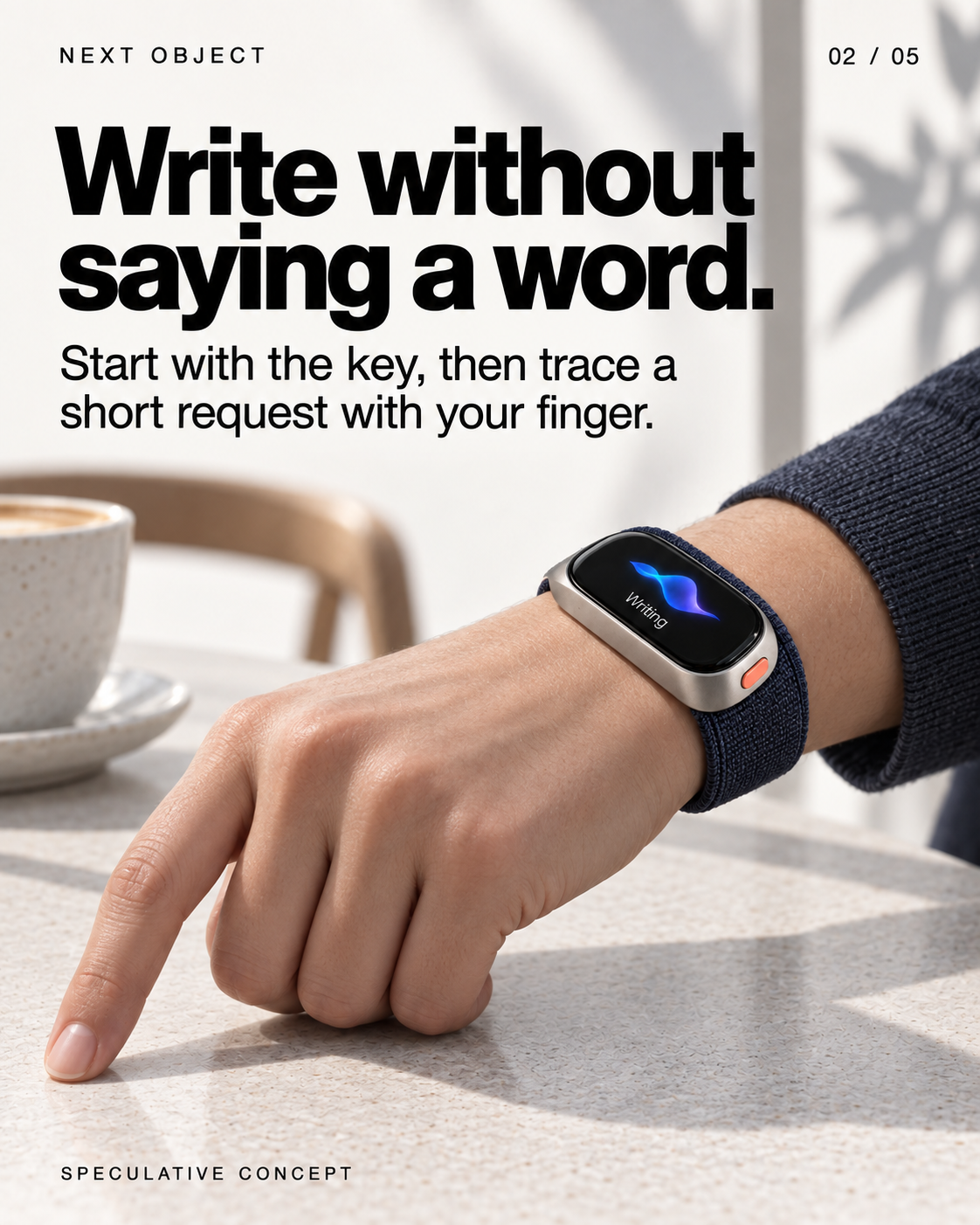
Llegeix el text de les diapositives
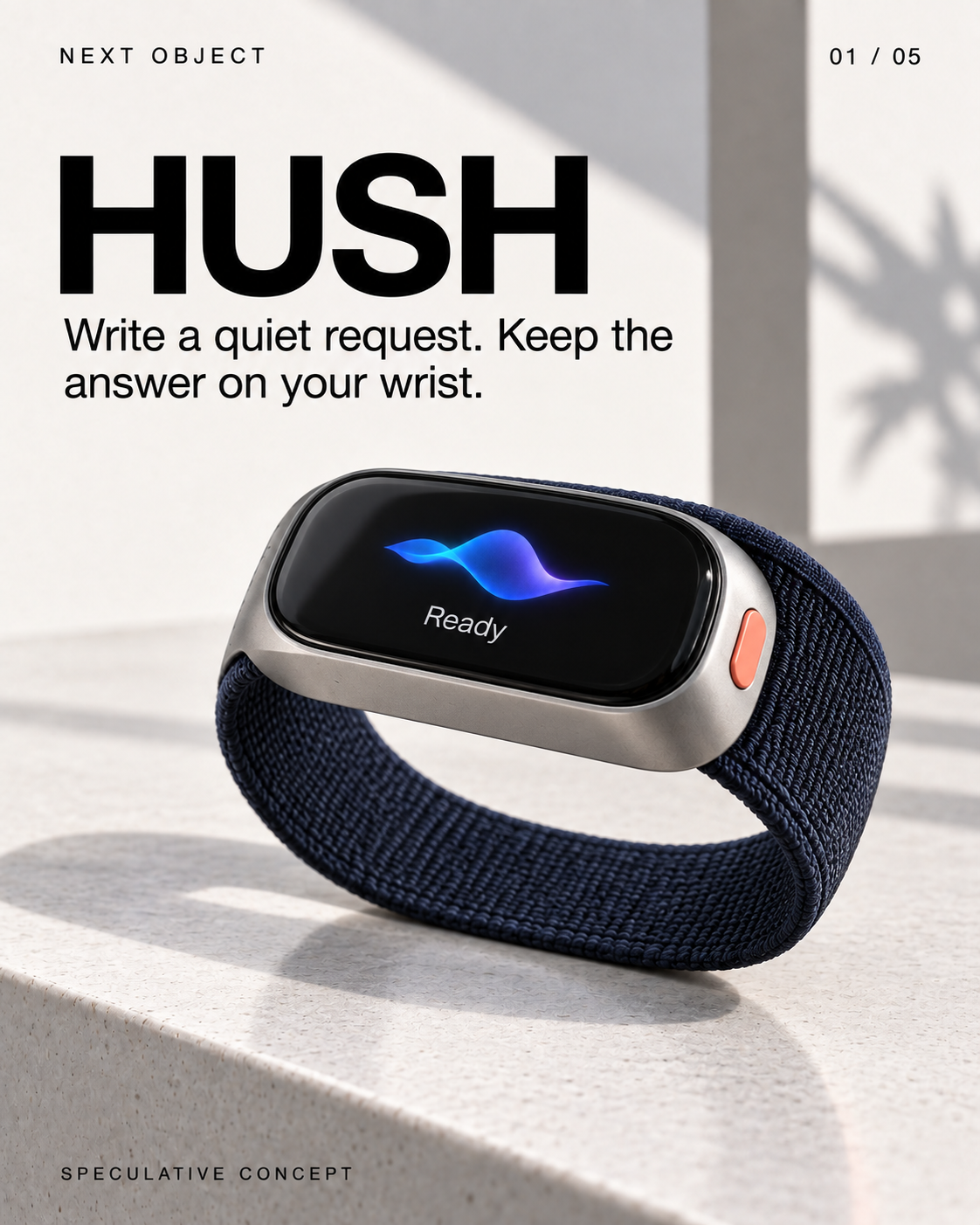
- HUSH
Write a quiet request. Keep the answer on your wrist. Screen: Ready SPECULATIVE CONCEPT
- Write without saying a word.
Start with the key, then trace a short request with your finger. Screen: Writing SPECULATIVE CONCEPT
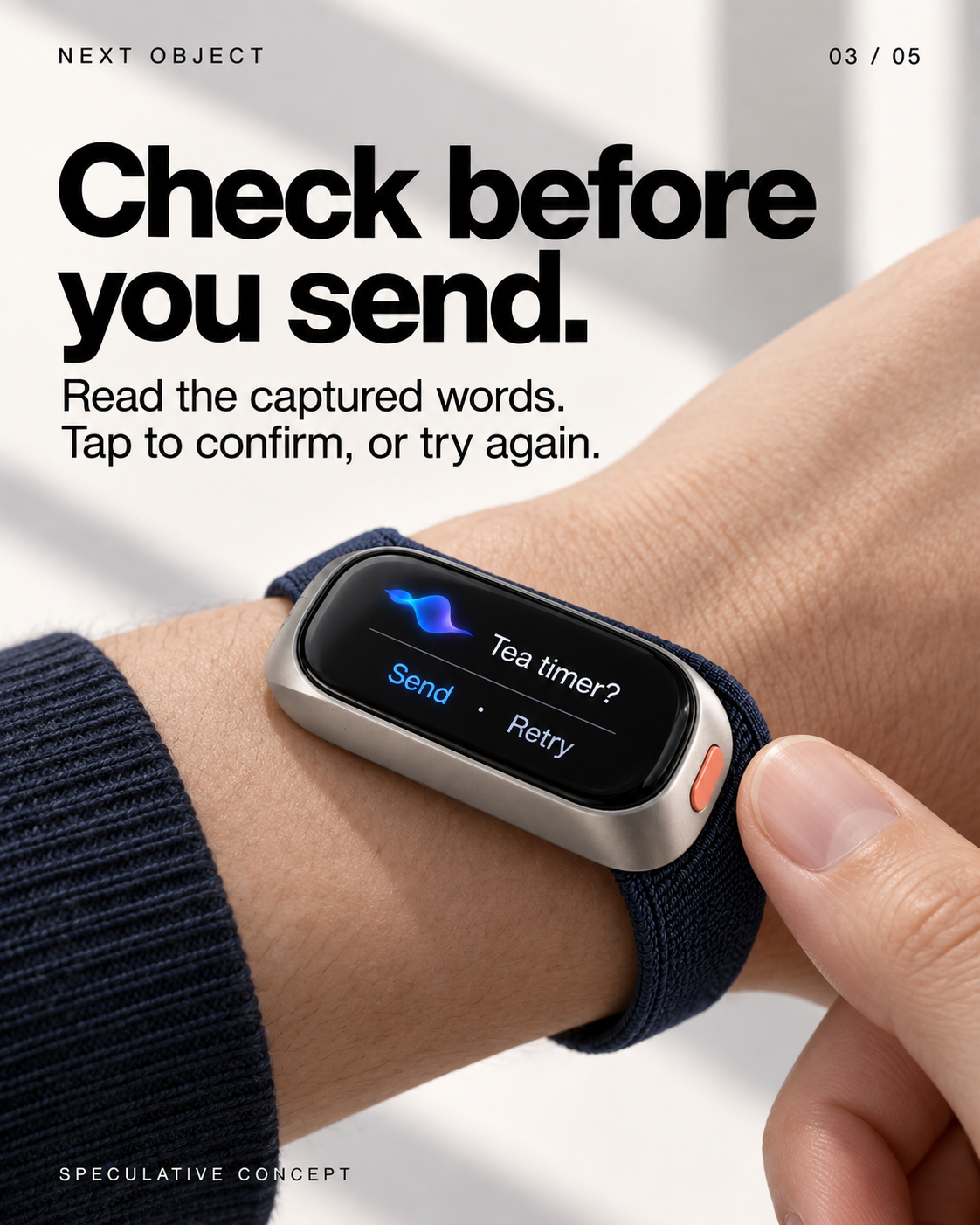
- Check before you send.
Read the captured words. Tap to confirm, or try again. Screen: Tea timer? Send · Retry SPECULATIVE CONCEPT
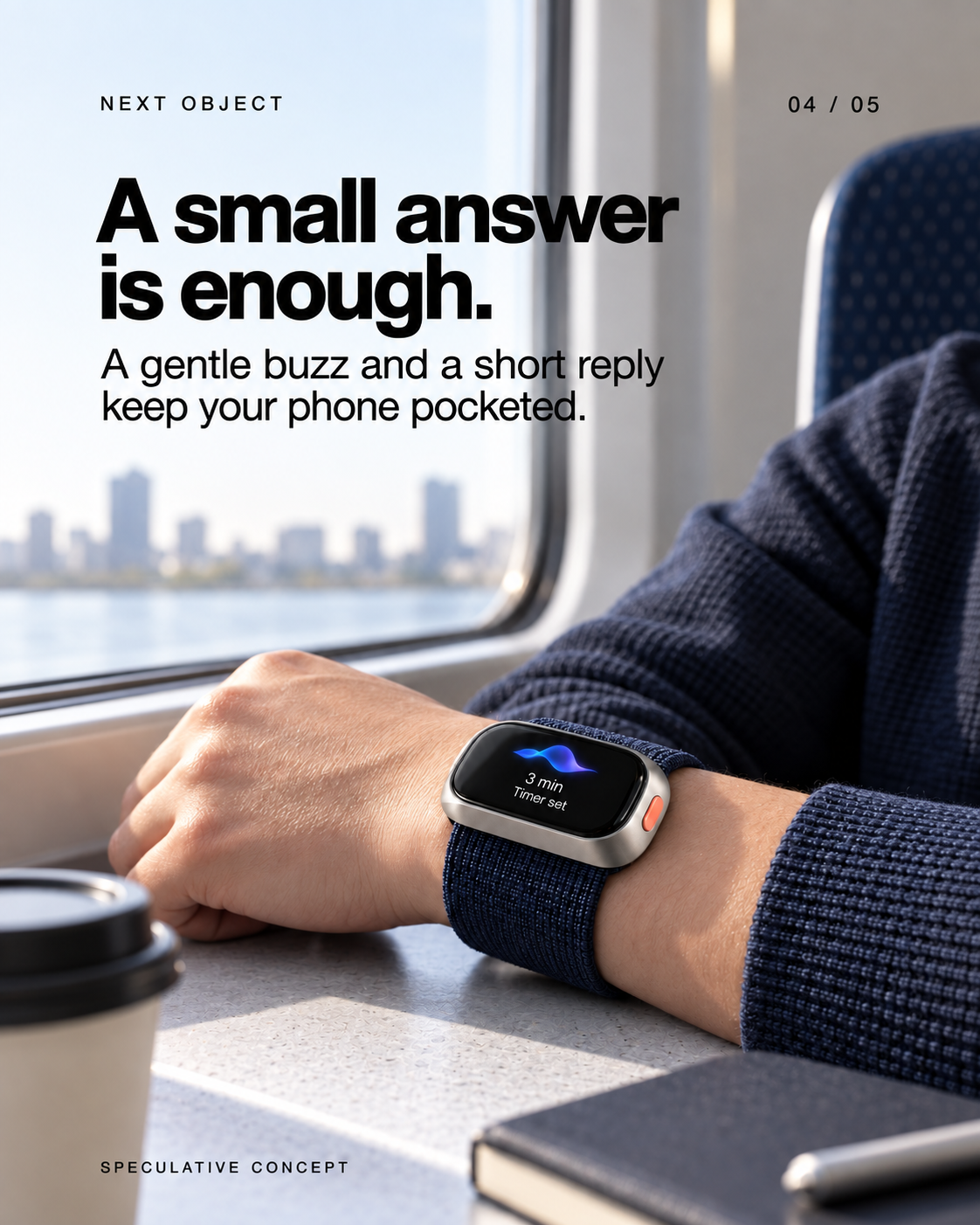
- A small answer is enough.
A gentle buzz and a short reply keep your phone pocketed. Screen: 3 min Timer set SPECULATIVE CONCEPT
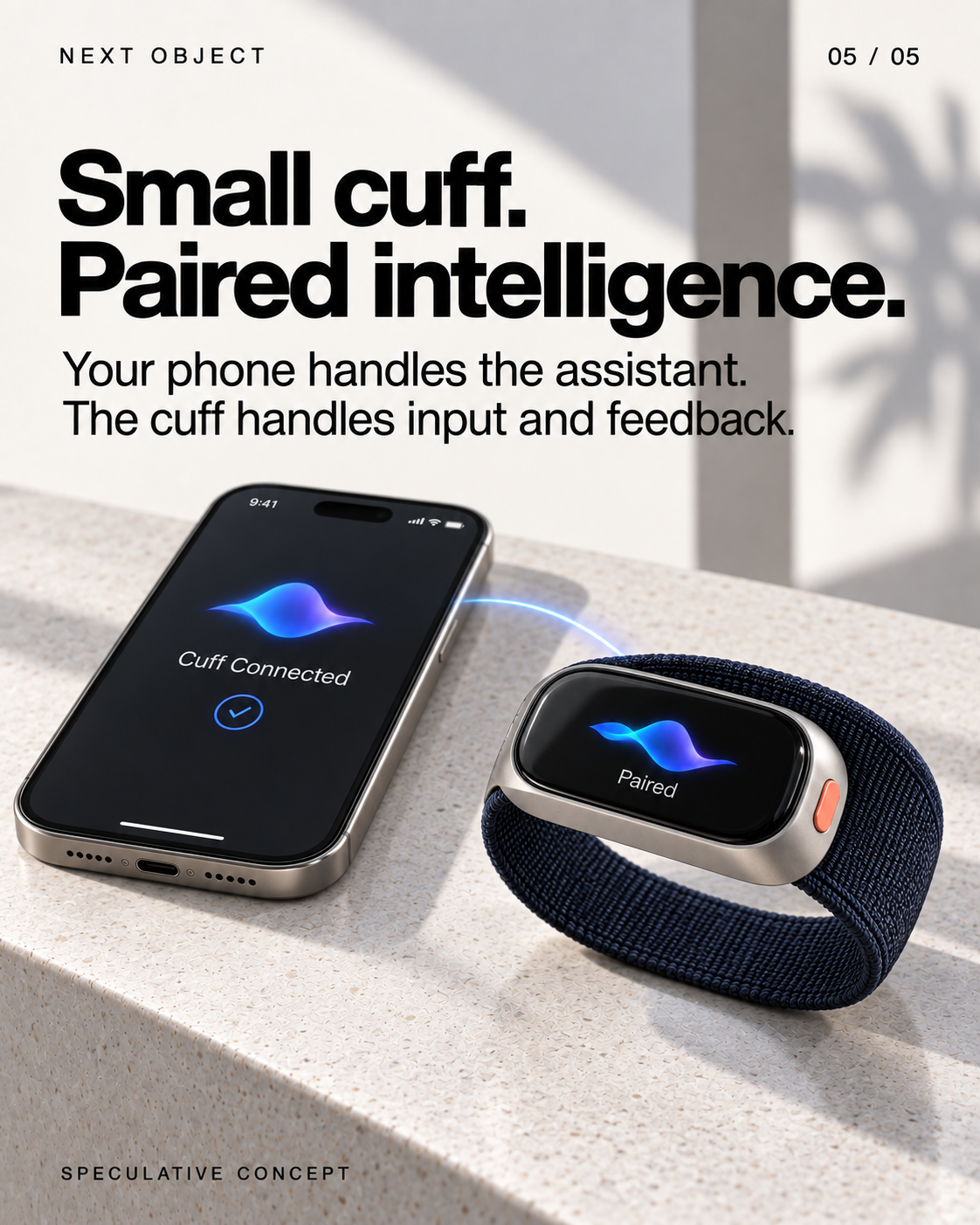
- Small cuff. Paired intelligence.
Your phone handles the assistant. The cuff handles input and feedback. Screen: Cuff Connected; Paired SPECULATIVE CONCEPT
Veiem alternatives:
- Modifica la consulta.
- Inicia un nou fil.
- Elimina les fonts (si s'han afegit manualment).
Rabbit's next chapter is bigger than the R1
NEWS · Software update · 22 September 2026
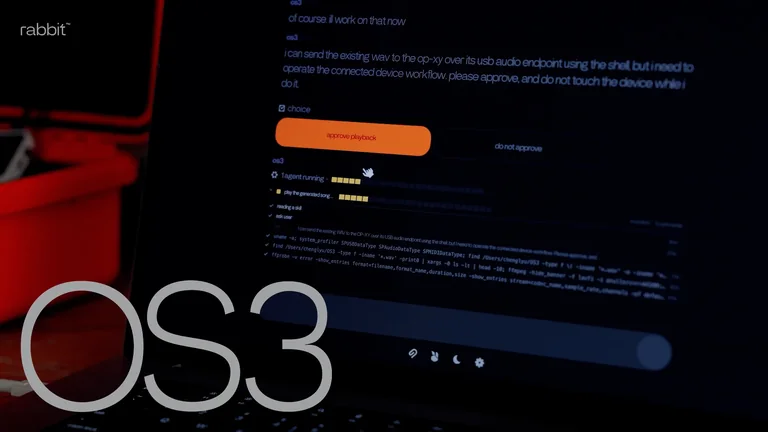
Rabbit says OS3 is now generally available, linking chosen models and connected computers. The R1 is one way to access that system by voice.[1]
That makes a different design proposition possible: a small physical entrance to work happening elsewhere. The object does not have to contain every capability to be useful.
But a release note cannot show whether the experience feels dependable. The test would follow one task across devices and record where it stalls, asks for help or loses context. The next story should judge that workflow on its current software, rather than replay the original launch verdict.
Veiem alternatives:
- Modifica la consulta.
- Inicia un nou fil.
- Elimina les fonts (si s'han afegit manualment).